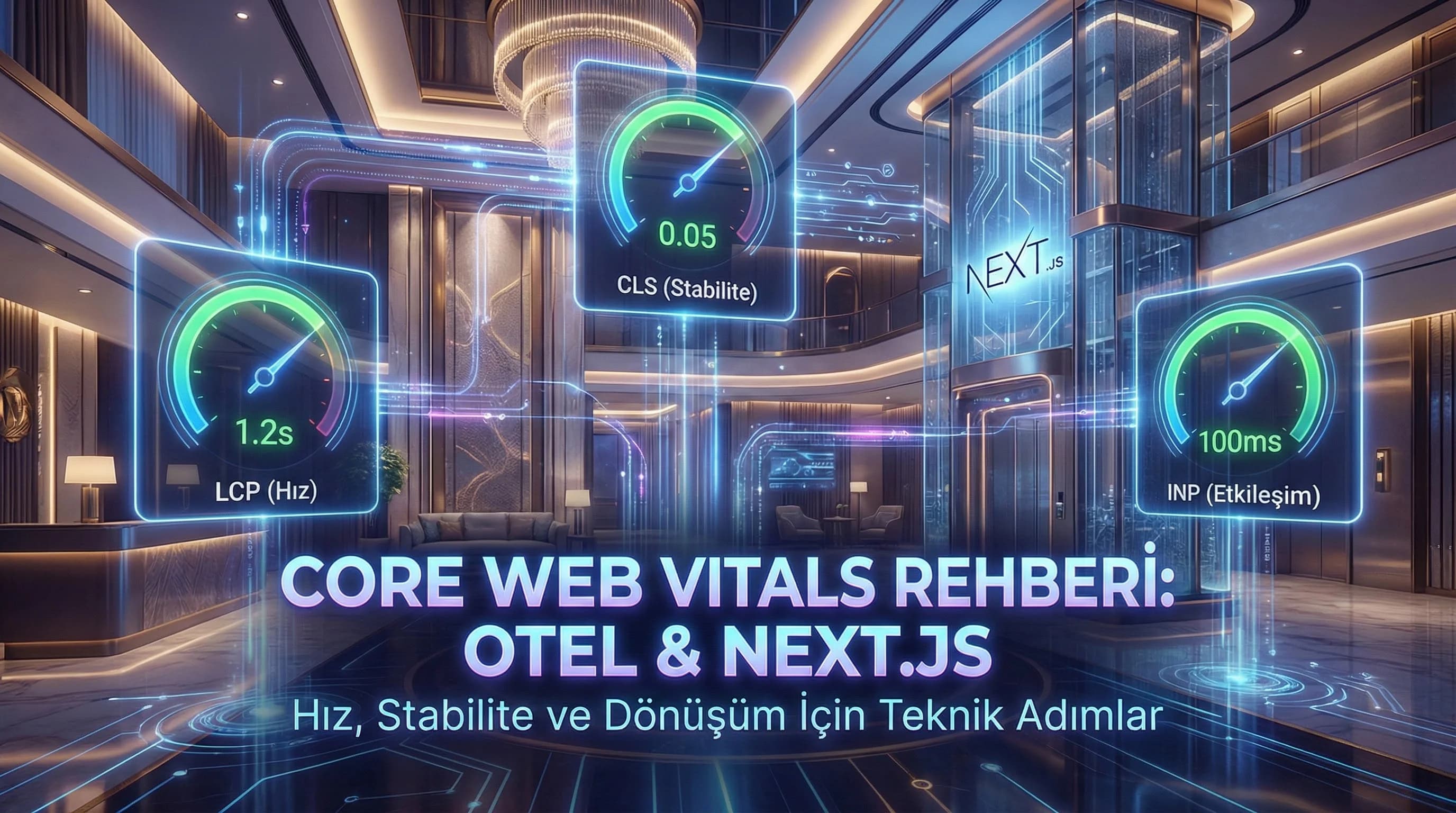
1. Introduction to Core Web Vitals: LCP, CLS, INP
In order to improve Core Web Vitals correctly, it is necessary to first clarify what the metrics measure and the difference between "lab vs field". Tools like Lighthouse/PageSpeed give you a laboratory simulation; CrUX and RUM show real user data. The decision maker mistake on hotel sites is usually this: “Score is low → fix everything at once” approach. The truth is: finding the root cause that gives the biggest impact and solving it sequentially.
What is LCP and why does it drop on the hotel site?
LCP (Largest Contentful Paint) measures how long it takes for the largest element that the user perceives to be “actual content” on the screen (usually the hero image, banner area, or main board) to appear. Classic reasons that break LCP on hotel pages: large WebP/JPGs, incorrect responsive breakdowns, render-blocking CSS/JS and CDN/cache deficiencies.
What is CLS and which slips are dangerous?
CLS (Cumulative Layout Shift) measures the bouncing of elements as the page loads. Sticky headers, slow-loading fonts, banners that open later, dynamic reservation boxes and excessive images increase CLS. CLS in the hotel is not just a score, it is a conversion-breaking problem such as "reservation form field registration".
What is INP, why has it become critical instead of FID?
INP (Interaction to Next Paint) measures how fast the page actually responds when the user clicks and interacts. Menu openings, calendar selection, filters and modals are the main area of INP. On hotel sites, 3rd party scripts and heavy JS bundles invisibly break INP.
What should I do?
- • Select the worst page templates with field data first.
- • Detect LCP element; “hero or slider?” clarify.
- • Video record bouncing elements for CLS.
- • Test the most used interactions (menu, calendar, CTA) for INP.
2. Why is CWV Critical in Hotel and Tourism Sites?
The hotel website is not just a showcase; It is where the booking journey begins and where the decision to "direct booking instead of OTA" is often made. CWV produces a two-layer effect here: 1. SEO visibility: Google can position the “better experience” advantageously among pages with similar content quality. 2. Conversion: If the page opens late, the user exits “without seeing the price/room”; If the layout shifts, the form will not fill; If interaction is delayed, trust is lost.
Assumption: Since competition is intense in destination queries such as Antalya, Belek, Side, Kemer, the performance difference may be decisive between contents of the same quality.
Does CWV really affect SEO?
Yes, CWV is not a direct “ranking guarantee by itself”; However, when content and authority are similar, pages that offer a better experience may gain an advantage. CWV optimization also strengthens indirect SEO signals (longer sessions, more pages, fewer abandonments), often leading to faster browsing and higher conversions.
Where is the “root cause” stored on the hotel site?
- •Hero and slider images (LCP)
- •Sticky header + dynamic banner (CLS)
- •Reservation module JS payload (INP)
- •GTM/analytics/chat/heatmap scripts (INP + LCP)
- •Font loading and fallback strategy (CLS)
What should I do?
- • Choose the 3 templates that get the most traffic: homepage, room details, campaign/landing.
- • Check the “LCP element + CLS shift + heaviest script” trio in each template.
- • Manage improvement with the logic of “one sprint = one goal”.
3. LCP Improvement Methods (Hotel + Next.js)
The aim of LCP is to let the user see the "real content" on the first screen as quickly as possible. On hotel sites, LCP is mostly the hero image and the large components in the upper block. Improving LCP with the right strategy on the Next.js side generally provides the fastest gain.
Hero visual strategy: right file, right size, right priority
- •Produce the image according to responsive breakdowns (mobile/desktop) instead of a “single large file”.
- •Modern format (WebP/AVIF) and compression are a must for Hero.
- •In Next.js, priority logic and correct sizes are critical for the hero image.
- •Serve on CDN with cache (immutable) and correct TTL.
How does the visual upload structure break LCP?
Slider after slider, video with overlay, hero rendered with capital JS on top; all delay the LCP. Especially on hotel sites, "3 different images + animation + reservation box on the first screen" crashes the LCP.
Render-blocking resources reduction
- •Minify critical CSS; Break up unnecessary global CSS.
- •Third party scripts (chat, heatmap, extra pixels) are excluded from the “critical path”.
- •Optimize fonts (detail in CLS section below).
CDN + cache + preconnect logic
Since the visual/asset density is high on hotel sites, CDN and caching affect LCP dramatically. • Put static assets on CDN • Use long cache + fingerprint • Preconnect to required origins (without exaggeration)
What should I do?
- • Clarify LCP (mostly hero).
- • Reproduce Hero image: AVIF/WebP + correct dimensions.
- • Simplify the critical header: “one focus, one message, one CTA”.
- • Delay 3rd party scripts: content first, measurement second.
4. Solving CLS Problems (Layout Stability)
CLS directly affects “user trust” and “form filling” behavior, especially on hotel sites. The basic principle of reducing CLS: Reserve space for everything before it loads. Image, font, banner, reservation box… All of them.
Sticky header and dynamic upper bands
If the sticky header changes height when opening and closing or if promotional tape is added later, CLS increases. • Fix header height • Reserve space for the promotional banner in advance (including space) • Use “scroll header” animations sparingly
Reservation boxes and dynamic modules
If modules such as calendar, price widget, room selection are added to the DOM later or their height changes, CLS is generated. • Use skeleton (height fixed) • Instead of “add content later”, put the placeholder field from the beginning • Manage modals/popups out of layout (fixed/overlay)
Font loading (the hidden culprit of CLS)
When the web font is loaded late, the text width changes and the layout jumps. • font-display: swap • Preload critical fonts • Improve fallback font metric compatibility (similar x-height)
What should I do?
- • Take video of your jump, detect which element is sliding.
- • Apply the “pre-allocated space” rule for each dynamic block.
- • Fix font preload + swap strategy.
- • Follow CLS “template-based”: homepage/room/blog behaves differently.
5. INP and Engagement Performance (Menu, Calendar, CTA)
INP creates the feeling of "menu does not open", "calendar reacts late", "CTA is clicked but nothing happens" on hotel sites. This feeling, especially on mobile, makes users with high booking intentions lose. Improving INP often means “less JS, better priority”.
Heavy JS bundle and unnecessary hydration
The most common mistake in modern frameworks: doing everything client-side. • Reduce unnecessary state and large UI libraries • Make components other than critical interaction server/partial. • Do not run 6 different sliders/animations on a single page at the same time.
Third party scripts and GTM management
Analytics, remarketing, chat, heatmap… The classics that killed INP. • Critical content first, tracking later • Clean unnecessary tags in GTM • Drop the “every script on every page” approach
Practical improvements for button/menu interactions
• Quick visual feedback after click (loading state) • Separating heavy operations from the main thread (if possible) • Accessible, simple DOM structure
What should I do?
- • Choose the 3 most common interactions on mobile: menu, calendar, CTA.
- • Identify the script/bundle that contributes the most to INP.
- • Reduce unnecessary client components; Postpone non-critical ones.
- • Simplify tag/script management: there is measurement, but there is also performance.
6. CWV Optimization in Next.js and Modern Frameworks
Next.js offers powerful advantages for CWV when used correctly; When used incorrectly, it quickly deteriorates performance with “everything is JS, everything is client”. In this section, we collect the practical approach that works best on hotel sites.
Next.js Image Component and visual pipeline
- •Correct sizes and responsive strategy
- •Priority in hero image (first paint focused)
- •Lazy-load: in sub-content images
- •CDN: critical in visual service
Lazy load, prefetch and CDN settings
- •Prefetch is not always good; select critical routes
- •Don't be "too lazy" with lazy-load (important content should not be delayed)
- •CDN caching setup: static asset + image + font
The impact of hotel reservation modules on CWV
The booking module usually carries external services, widgets or heavy JS. • Move widget off critical path • First “let the user see”, then “upload details” approach • Manage module launch with quick feedback
Example “CWV improvement order” for hotel site
First LCP (hero/image), then CLS (booking box + font + header), lastly INP (script/bundle + interactions). Because LCP and CLS provide quick wins on most hotel sites; INP generally requires more technical refactoring.
What should I do?
- • Standardize image strategy in Next.js (hero vs content images).
- • Configure the reservation module “off the critical path”.
- • Simplify Script/Tag management; “small but accurate measurement”.
- • Establish a template-based measurement + sprint-based improvement rhythm.
7. Summary and Implementation Plan
Core Web Vitals requires establishing the right balance between “visual quality” and “performance” on hotel sites. It is necessary to manage the hero and header area for LCP, reservation box/header/font stability for CLS, and interactions and script load for INP. The best outcome is not to “fix everything” at once; It is to make the cycle of measure → diagnose → prioritize → implement with sprint permanent.
8. Download CWV Remediation Checklist — Technical SEO / Core Web Vitals (v1.0)
Download CWV Remediation Checklist — Technical SEO / Core Web Vitals (v1.0)
This document makes Core Web Vitals improvement on hotel and Next.js sites measurable and sprint manageable. It helps you perform root cause analysis for LCP/CLS/INP, extract quick wins with prioritization, and complete the application with a 14-day plan.
Kim Kullanır?
Agency/technical team responsible for the hotel web project + sales-marketing joint use document.
Nasıl Kullanılır?
- Choose the 3 templates with the most traffic (homepage/room/landing) and measure them.
- Mark the root causes with the checklist and fill in the solution table.
- Distribute the 14-day sprint plan within the team like a task list and report the “before/after” KPI.
Ölçüm & Önceliklendirme (Kısa sürüm)
- ▢ ✅ I got the lab results with PageSpeed Insights + Lighthouse
- ▢ ✅ I got field results (if any) with CrUX/RUM
- ▢ ✅ I identified the 3 worst patterns (traffic + conversions)
- ▢ ✅ I detected the LCP element (hero/image/text block)
- ▢ ✅ I detected the element causing the CLS shift (header/banner/module/font)
- ▢ ✅ I detected the interaction that broke the INP (menu/calendar/CTA)
- ▢ ✅ I extracted the 3rd party script list (including GTM)
- ▢ ✅ I checked the image delivery formats (WebP/AVIF, dimensions)
- ▢ ✅ I checked the font strategy (preload, swap, fallback)
- ▢ ✅ I verified CDN/cache settings (TTL, immutable, compression)
PDF içinde: Problem→Kök Neden→Çözüm tablosu + 14 gün sprint planı + önce/sonra KPI tablosu
Bir Sonraki Adım
For teams that want to clarify LCP/CLS/INP and create a 14-day action plan on your hotel site.
Sık Sorulan Sorular
What is Core Web Vitals?▾
Does CWV really affect SEO?▾
How to improve LCP and CLS for hotel site?▾
How to optimize Core Web Vitals with Next.js?▾
Why is INP important, where does it break down on the hotel site?▾
PageSpeed score increased but CrUX did not improve, why?▾
How does the reservation module affect CWV?▾
What should be the order of CWV improvement on the hotel site?▾
İlgili İçerikler