1. Entrance
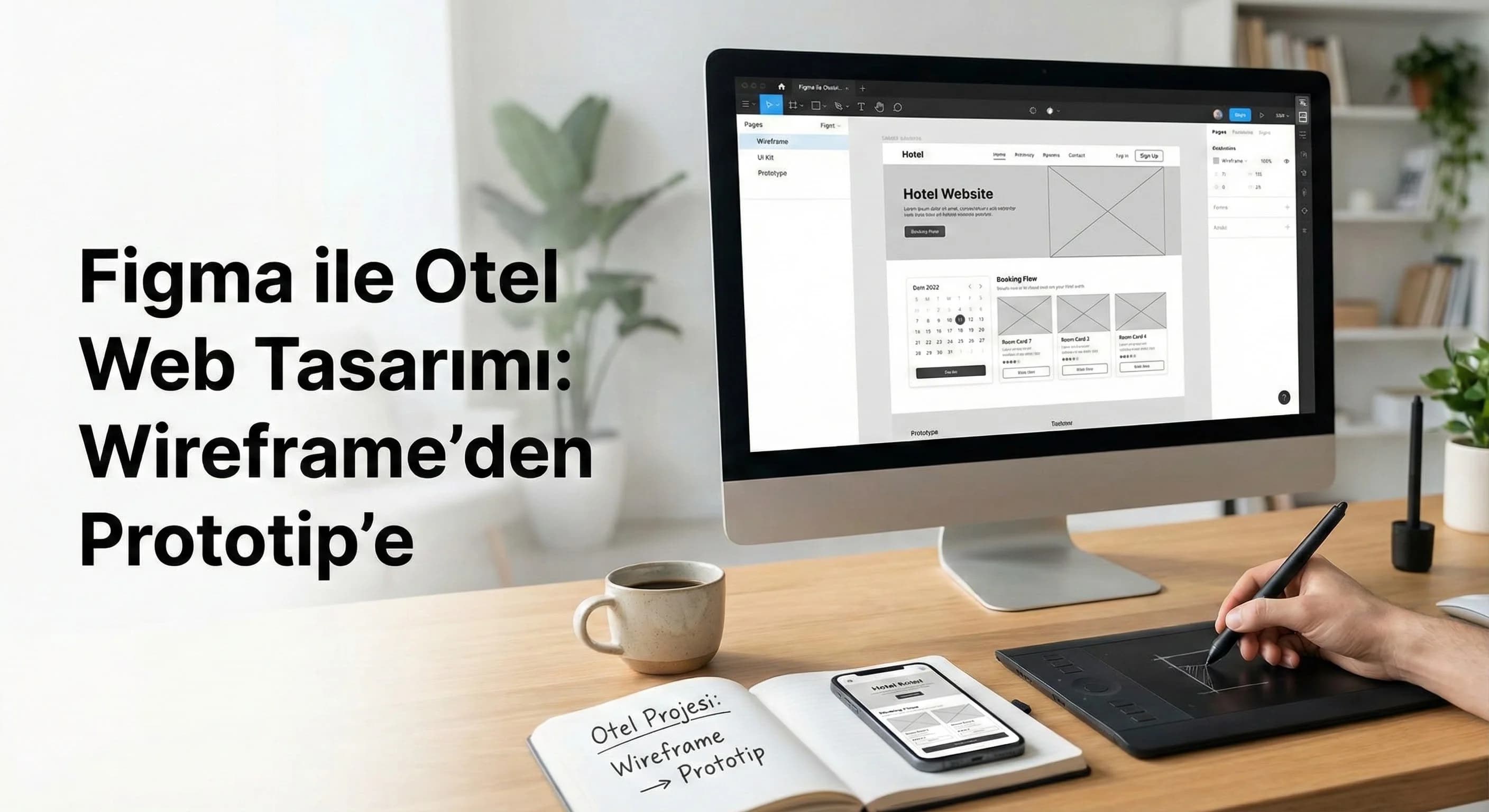
“How do I do it step by step?”, “In which order should I proceed?”, “Wireframe first or UI kit first?” Questions like these come up very frequently in hotel projects; because hotel websites are different from a straight checkout like SaaS or e-commerce. Room types, seasonal pricing, concept (AI/HB/BB), cancellation rules, multilingual flow (TR–EN–DE–RU) and booking engine integration are managed simultaneously. In this guide, we will set up the wireframe → UI kit/design system → prototype testing → Next.js handoff chain in Figma with the hotel's special needs.
3 minute summary (for your screen time):
- •First persona + scenario: what is the guest looking for, on which screen does he decide?
- •Then draw the booking wireframe: flow (date → room → form → payment) with “shortest decision path”.
- •Speed up development with the latest design system + prototype + handoff: component/variant and token logic.
2. Figma preparation for hotel project
In the hotel project, your Figma file is not the “design place”; It is a common working area for teams. If the preparation is done correctly, the UI/UX Design process will be accelerated; If done incorrectly, revisions become larger and handoff complexity increases. The goal here is; Our aim is to establish a scalable “Hotel Website” design from the very first day.
Persona and scenario creation (based on hotel context)
At least 3 scenarios are generally required in hotel projects:
- •Resort (Belek): family room + concept + child age + cancellation flexibility
- •City: quick booking + location + one night
- •Boutique (Antalya center / Bodrum example): visual/trust + experience + comments
Mini example (Belek resort): When the user selects “2 adults + 2 children”, if the room cards do not provide clarity on the child policy and total price, the decision shifts to OTA. That's why the "person/child selection" and "total price (including taxes)" fields should appear early in the wireframe.
☑ Mini Check (Preparation):
- •Have 3 main personas and 1 “high intent” booking scenario been written?
- •Have critical decision screens been determined in the reservation funnel?
- •Have multilingual needs (TR–EN–DE–RU) and content length differences been noted?
Layout grid and breakpoint planning
In Figma, grid is not just alignment; It is the infrastructure that “becomes the rule” for development. Redefine the mobile and desktop breakdown:
- •Mobile: 4/8 column, narrow padding
- •Tablet: 8/12 columns
- •Desktop: 12 columns + fixed container
Don't forget the technical SEO note: Performance and UX go hand in hand on visual-heavy hotel sites. The “too big hero” and “over animation” plan in design magnifies the risk of LCP/INP in development. Therefore, making "Core Web Vitals-friendly" decisions even at the design stage will make subsequent sprints easier. (For details: https://dgtlface.com/en/seo/technical-seo)
What should I do?
- • Start file with 3 personas + 3 scenarios; Extract the “screen list” according to the scenario.
- • Fix breakpoints and grid on day one; then don't play.
- • Plan multilingual text fields as components (no text overflow surprises).
3. How do you plot the hotel booking flow with Figma?
Short answer: first define the screens as “tasks”, then connect the flow with the fewest steps and have a single decision made on each screen. Recommended quick method: (1) date/person selection, (2) room list–comparison, (3) room detail–condition clarity, (4) short form, (5) payment. At each step, “total price + cancellation summary + main CTA” remains constant; thus friction is captured quickly in prototype testing.
Drawing the booking flow with Wireframe (step by step)
The following sequence is a practical design workflow for hotel websites:
- •Entry: campaign/room page or home page
- •Availability: date + person
- •Room list: cards + filter + total price
- •Room detail: gallery + trust + cancellation summary + CTA
- •Form: minimum space + error/help
- •Payment: trust + summary + complete
Screenshot note (for designer):
- •Never show all the details on the “room list” screen; Show decision information.
- •Strengthen persuasion and trust on the “Room detail” screen.
Hotel special critical blocks (where opponents skip)
Figma guides on the market mostly give SaaS/e-commerce examples. In the hotel, the following 3 blocks should be handled specially in the wireframe:
- •Room types and variants: Standard / Deluxe / Family / Swim-up (Belek example)
- •Seasonal pricing: price/condition change by date range
- •Multilingual structure: text length + currency + cancellation language
Mini example (Antalya): If there is no “cancellation summary” on the “sea view room” card, the user panics at the payment step. In wireframe, the cancellation/condition line is not "text to be added later"; is the decision element.
☑ Mini Check (Wireframe):
- •Is there one main decision on each screen?
- •Is there a standard of total price + cancellation summary + main CTA?
- •Are the room list and room detail roles separated?
- •Have multilingual text fields and overflow risks been noted?
What should I do?
- • Draw the wireframe "flow by flow" rather than "page by page".
- • Fix the “decision information” (price/cancellation/CTA) at each step.
- • Design hotel private blocks as separate components: room card, cancellation badge, price summary.
4. Installing the UI Kit and design system (component + variant)
It's not drawing ability that makes Wireframing faster; It is the discipline of UI kit + design system. UI kit, single screens; The design system manages repetitive parts. Especially when switching to Next.js, if the component logic is not installed, it is very common for the development time to extend and the revision cost to increase (directional expression without giving numbers).
UI Kit core (specific to hotel project)
A minimum hotel UI kit should include:
- •Typo scale (H1–H5 + body)
- •Button set (primary/secondary/ghost)
- •Form fields (input/select/date picker states)
- •Card set (room card, offer card)
- •Badge set (cancellation, campaign, concept)
- •Price block (total price/person/room logic)
Component structure and variant usage
The use of "component + variant" in Figma turns into a "one component, many cases" logic in development. Example:
- •RoomCard variant: standard / family / suite
- •State: default / selected / sold-out
- •Badge: refundable / non-refundable
☑ Mini Check (Design System):
- •Are the room card components and their variants defined?
- •Are there form states (error/disabled/loading)?
- •Have min/max fields been considered in components for multilingual text?
- •Does Price Block speak the same language on every screen?
What should I do?
- • Start the UI kit with “repetitive” parts, not “pretty looking” parts.
- • Standardize the room card and price block first; These are the most critical components in the hotel.
- • Set up the variants according to the real scenario (Belek family room / Antalya city quick reservation).
5. Testing user flows with prototype (friction hunt)
The Figma prototype is not a “presentation”; It is a friction hunting tool. Prototype testing, especially in the reservation funnel, allows catching errors before development begins. Prototype; Wireframe → UI should be installed after the kit so that the test can be evaluated together with the "design language".
How to set up a clickable prototype flow?
- •Number the flow steps (Entry → Availability → Room list → Form → Payment)
- •Have a single goal for each step (CTA)
- •Mark the critical points you want to measure: “where is it unstable?”
Screen description example: If the “Sticky booking CTA” does not appear on the room detail screen, the user will be lost in the photo gallery; You test this visibility in the prototype.
Micro animations and interactions (dose right)
Micro animations notify the user of the status (loading, selection, transition). However, heavy animations on hotel sites can increase performance risk. Rule: animation should be for "meaning", not "show".
5 common mistakes (in hotel projects)
- •Inflate the room list screen as a detail (the decision gets longer)
- •Confusing price language (room/person, tax included?)
- •Leaving the cancellation policy on the payment screen (last minute cancellation)
- •Not testing multilingual text overflows in prototype
- •Not standardizing component naming before handoff
☑ Mini Check (Prototype):
- •Does each screen have one main CTA?
- •Are price/cancellation texts visible “at decision time”?
- •Has one-handed CTA access been tested on mobile?
- •Have the language variants (TR–EN–DE–RU) been tried in the prototype?
What should I do?
- • Test prototypes for “flow speed” not “visual appreciation”.
- • Link 5 critical errors to the checklist and recheck at each revision.
- • Translate test findings directly into component/variant update.
6. Transition from Figma to Next.js development (handoff process)
When the handoff process is properly established, the need to “tell the same thing twice” between design and development is reduced; revision cost decreases and sprint becomes more predictable (all-round benefit). The aim here is; It is to translate Figma into "a language that the developer can understand".
Handoff package (minimum delivery set)
- •Component list + naming standard
- •Variant/state descriptions
- •Spacing/typography tokens
- •Responsive behavior notes
- •Accessibility (focus, contrast) notes
- •Visual export rules (lazy-load and alt text plan)
Internal link (development side): For the transition to Next.js application and web development process: https://dgtlface.com/en/software/website-and-software
Developer-ready details (small but critical)
- •Let button, input and card components work with the “same name”
- •Measurements should be given with "token logic", not px (like spacing-8).
- •Visual exports (especially Figma screenshots) should be planned according to the lazy-load setup on the web
- •Alt text should be long-tailed, natural: e.g. “hotel ui design figma example”, “hotel reservation wireframe example”
| Figma output | What does it do? | Next.js equivalent (practical) |
|---|---|---|
| Component + Variant | One component, multi-case | UI component + props/state |
| Design tokens (type/space) | Consistency and speed | Tailwind/theme variables |
| prototype flow | Stream verification | Route + step UI layout |
| Specs (responsive) | Mobile/desktop behavior | Breakpoint rules |
| Asset export + alt text | Performance + SEO | Optimized images + lazy-load |
☑ Mini Check (Handoff):
- •Are component names in the same dictionary as dev?
- •Are the variants/states written (default/selected/loading)?
- •Are there responsive behavior notes?
- •Is the visual export + lazy-load + alt text plan ready?
What should I do?
- • See handoff as a “delivery package” rather than “throwing a file”.
- • Reduce the component/variant dictionary to a single page and confirm with the development team.
- • As per technical SEO, check the image weight; Flag CWV risks early.
7. Hotel sample screen set (with Antalya / Belek context)
In hotel projects, when screen samples are “realistic”, the team is aligned faster. Design the following sample screen set in Figma, flow by flow, rather than page by page:
- •Home page (Antalya): concept + destination + quick date selection
- •Room list (Belek): family rooms + concept + cancellation badges
- •Room detail: gallery + total price + cancellation summary + sticky CTA
- •Reservation form: minimum space + trust message
- •Payment: summary + trust + complete
8. Download Figma Hotel Wireframe Template (Template Asset)
Download Figma Hotel Wireframe Template — UI/UX Design (v1.0)
This template is made for you to quickly outline the booking flow (date → room → form → payment) and standardize critical decision blocks (total price, cancellation summary, main CTA) for the hotel website. It enables design and development teams to meet in the same on-screen language; It helps you manage revisions "on a component basis" rather than "from the beginning".
Kim Kullanır?
Hotel marketing team + agency designer + Next.js development team (handoff lingua franca).
Nasıl Kullanılır?
- Copy the template and write your project name (select Antalya/Belek scenario).
- Complete the flow screens in order (Entry → Availability → Room list → Room detail → Form → Payment).
- Complete the “decision information” fields for each screen and establish prototype connections.
Ölçüm & Önceliklendirme (Kısa sürüm)
PDF içinde: Problem→Kök Neden→Çözüm tablosu + 14 gün sprint planı + önce/sonra KPI tablosu
Bir Sonraki Adım
Create an accelerated plan for teams that want to refine the wireframe, UI kit and prototype flow on your hotel website in the same sprint.