
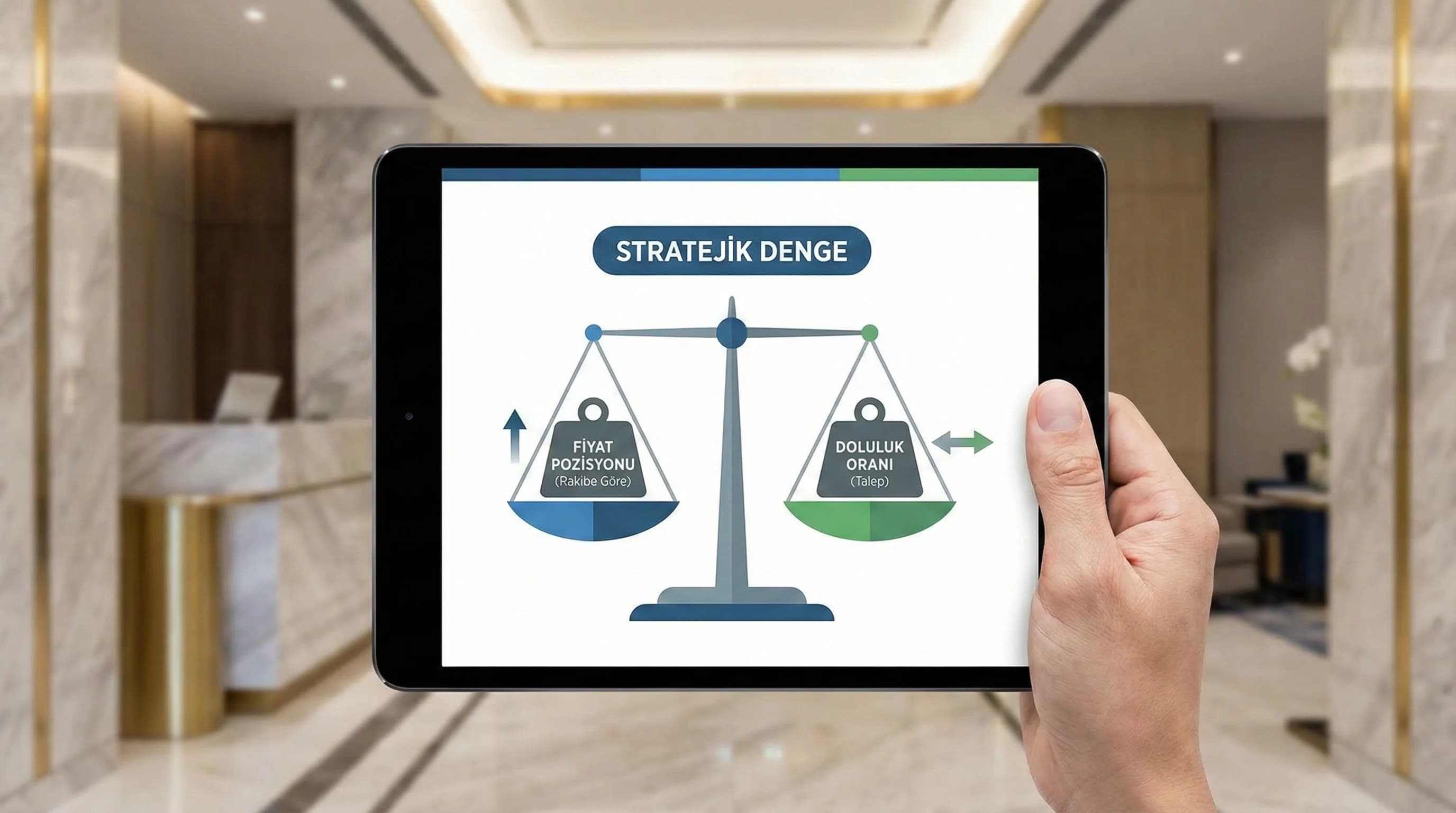
1. Make price a positioning decision, not a “screen reading”
2. What is the OTA price benchmark?
OTA price benchmark; It is a method of monitoring the OTA prices of your rival set in the same date range, same room type and similar segment and seeing your own price position. The aim is not to "be the cheapest", but to be positioned in a way that maintains the ADR-occupancy balance in the right market at the right time.
OTA price benchmark is the practical application of the classical “benchmark KPI” approach on the price side. What you are watching here is not just “price”; It is the signal behind the price: on which days do competitors become aggressive, on which days do they remain premium, where does parity break down, in which room type does the difference widen? Especially in seasonal resort areas such as Antalya-Belek, when the price changes "day by day", this analysis gives a quick sense of direction for sales and revenue teams.
Mini example (hotel context): Consider two resorts with a similar concept in Belek: one is positioned 10% cheaper than the competition every day, the other remains within the ±5% band most days. The first hotel may increase occupancy in the short term; but ADR reduction does not always guarantee a “total revenue” advantage. The second hotel can manage both occupancy and unit revenue more balancedly by maintaining its price range. (This is a theoretical example; the purpose is to demonstrate band logic.)
Mini Check
- • I wrote my benchmark goal: “Positioning without entering into a price war”
- • I abandoned the goal of "being the cheapest" and set a "band goal"
- • I don't make a decision without comparing the same date + same room type.
What should I do?
- • Select 1 market this week (e.g. TR or DE) and compare for that market only.
- • Specify 3 room types (standard / family / suite) and enforce the “same room” comparison.
- • Choose a target band for your price position: try to stay within the ±5% band most days.
3. Choosing the right opponent set and date range
The quality of the OTA price benchmark is determined by the competitor set and date/room selection. “Nearby hotel” is not always “the right competitor”. A family resort in Side and an adult concept hotel in Kemer; It may look similar on the OTA screen, but the demand pool, price elasticity and package dynamics are different. So it is necessary to filter the competition set by region + segment + ADR band.
5 practical filters for opponent set selection
- •Region: “same demand pool” in destinations such as Antalya / Belek / Side / Kemer / Bodrum
- •Segment: family, adult, ultra all-inclusive, boutique, MICE etc.
- •Price band: is the overall ADR level close?
- •Product promise: similar concept, similar value perception
- •Channel profile: OTA weight vs direct weight (proximity behavior)
Date range: reason for the “same day” comparison
OTA prices vary from day to day. That's why "next week" and "two months from now" do not behave the same. It works well to choose at least two windows in the benchmark: the near term (7–14 days) signals rapid action and demand; The peak season window (30–60 days later) strengthens strategic positioning.
Room type matching: most common error
If the competitor shows "deluxe with sea view" and you compare it to "standard", you will misinterpret it as "the competitor is expensive". Whenever possible, compare with the same room category / same number of people / same cancellation policy.
| History | Room Type | You (₺/€) | Competitor A | Competitor B | Competitor C | Price Position Note |
|---|---|---|---|---|---|---|
| 12–14 Jul | Std DBL | TBD | TBD | TBD | TBD | Band target: ±5% |
| 19–21 Jul | Std DBL | TBD | TBD | TBD | TBD | Peak day: stay premium? |
| 12–14 Jul | family | TBD | TBD | TBD | TBD | Has the family room difference been opened? |
| 19–21 Jul | Suite | TBD | TBD | TBD | TBD | Parity check in suite |
Mini Check
- • I fixed my opponent set at 4–8 hotels (I will not change it for 90 days)
- • I chose two date windows: near term + peak season
- • I use same room/condition matching in comparisons.
What should I do?
- • Filter your competitor set by “region + segment + band” and narrow it down to 6 hotels.
- • Fix calendar windows: 7–14 days + 30–60 days ahead.
- • Set up the table and update it at the same time on the same day every week.
4. Correctly reading the price position vs occupancy relationship
The most critical mistake in price benchmarking is to interpret the price position alone. Saying “I am cheaper than competitors” does not automatically mean “occupancy increases”; Because occupancy is affected not only by price, but also by value perception, review score, content quality, room stock and channel visibility. Therefore, when reading the price position, it is necessary to read it together with at least one revenue KPI (ADR/RevPAR) and occupancy trend.
3 scenarios: same price change, different result
- •You reduced the price, occupancy did not increase: Demand is weak or there may be a visibility issue (channel/product page).
- •You lowered the price, occupancy increased, but ADR collapsed: Revenue quality decreases; In the long run, a "cheap hotel" perception may occur.
- •You've maintained the band, occupancy is stable, ADR is maintained: That's the healthier balance in most properties.
Theoretical band note: Even though being 10% cheaper than competitors increases occupancy, it may not always create an advantage in total revenue; In most scenarios, positioning within the ±5% band can provide more stable results. (The rates here are an example of band logic; they do not promise definitive results.)
Simple reading model: “Band + exception days”
In practice, instead of searching for the “best price” every day; It would be more sustainable to set a band target for most days (e.g. ±5% based on the opponent set average) and make “premium” or “protection” decisions only on certain days (festival, event, peak). In high-volatility markets such as Antalya and Bodrum, this approach increases the decision speed of teams.
Mini Check
- • I interpret price position together with occupancy + ADR
- • I set a “band target”; I manage exception days separately
- • Following the price change, I do a 7-day trend check
What should I do?
- • Define price position as a "band", not a single number.
- • Write a separate rule for peak days: “I can go premium outside the band on peak days.”
- • 7 days after price change: check occupancy + ADR + RevPAR trend.
5. Avoiding rate parity and price wars
The most dangerous consequence of OTA price benchmarking is inadvertently starting a price war. When a hotel downloads, you download; then the other one lowers it again... Result: even if the occupancy remains the same, the ADR goes down and the "cheap" bar in the market decreases. Additionally, rate parity is a critical risk area in terms of brand trust and channel relationships.
What is rate parity and why is it important?
Rate parity; It is the principle of offering consistent prices/conditions across different channels for the same room and condition. Details may vary in each destination and each contract; However, when parity breaks down in practice, both OTA visibility and direct sales confidence can be affected.
Price war is not “just price”
- •Flexible cancellation / early check-in / late check-out
- •Room upgrade (if stock)
- •Additional service (transfer, spa credit, child benefit)
- •Special advantage for Direct (without breaking the parity frame)
Smart positioning without a price war (3 tips)
- • Keep the band, document the exception: out-of-band decisions remain in the report with “why”.
- • Play by room type: band in standard, premium in suite; Don't drop everything at once.
- • Divide the calendar: 7–14 days, be controlled in the near term, and be more disciplined in the peak season.
Mini Check
- • I listed my parity risk points (room/condition/channel)
- • I limit price reduction to “selected room/date” instead of “each room”
- • I use competing options with value elements
What should I do?
- • Add parity check routine: once a week, same room/condition.
- • Make the price change “based on room type”; play them all at the same time.
- • Compete by increasing value components rather than price.
6. Translating price benchmark results into strategy (14-day cycle)
Collecting data alone is not enough; The value of the benchmark is revealed when it enters the action cycle. This section; It gives a simple decision matrix that connects price position data with occupancy/ADR and a 14-day operating rhythm.
Simple decision matrix: 4 cases
- •You expensive/low occupancy: control value perception and channel visibility; Straighten the band gradually.
- •You are expensive/high occupancy: you have premium space; Strengthen parity and value delivery.
- •You are cheap / occupancy is low: it's not just a price issue; There may be a product/communication/channel problem.
- •You cheap / high occupancy: revenue quality risk; Make a plan to recover the ADR band.
14-day benchmark → action plan (summary)
- •Days 1–3: opponent set + date/room matching + parity check
- •Days 4–7: band target + exception days + first price adjustment
- •Day 8–14: occupancy/ADR trend check + second setting + learning note
Technical SEO note (compatible with the sheet): Expressions such as “ota price benchmark”, “booking price comparison”, “how do I compare my price with competing hotels” appeared natural in the content. Article + FAQPage is recommended for page markup; Internal links should be distributed evenly across benchmark and PMS–OTA pages. Since visual/tool screens may change annually, the “practical tips” section should be updated once a year (Refresh: 365).
7. Download OTA Price Benchmark Checklist — Data Analysis & Reporting
Download OTA Price Benchmark Checklist — Data Analysis & Reporting (v1.0)
This checklist; OTA standardizes the price benchmarking process: competitor set, date/room matching, parity check and band target are all brought together in the same framework. The aim is to break the reflex of "being the cheapest"; It is to establish a 14-day action cycle that connects price position decisions with occupancy and ADR.
Kim Kullanır?
GM/hotel owner, revenue, sales-marketing, channel management and agency teams.
Nasıl Kullanılır?
- Select opponent set + date windows and lock in 90 days.
- Update table weekly with same room/condition mapping.
- Implement the 14-day sprint plan; Adjust band based on occupancy/ADR trend.
Ölçüm & Önceliklendirme (Kısa sürüm)
- ▢ ✅ Competitor set (4–8 hotels) selected by region+segment+band
- ▢ ✅ Date windows determined (7–14 days + 30–60 days)
- ▢ ✅ Same room/condition mapping standard written
- ▢ ✅ Rate parity control routine determined (once a week)
- ▢ ✅ Band target written (Assumption: ±5% most days)
- ▢ ✅ Exception days defined (holiday/event/peak)
- ▢ ✅ Control KPIs were selected after the price change (Occupancy + ADR + RevPAR)
- ▢ ✅ Action format fixed (3–6 items + responsible + date)
PDF içinde: Problem→Kök Neden→Çözüm tablosu + 14 gün sprint planı + önce/sonra KPI tablosu
8. Conclusion: Benchmark is not a price war but a “band + routine + learning” system
OTA price benchmark is not for reflexing by looking at the competitor's screen; It is used to link price position decisions with occupancy and ADR/RevPAR. The band target + exception days approach helps maintain income quality while managing parity risk. The main difference is that you turn data into strategy with a weekly routine and a 14-day action cycle.
Bir Sonraki Adım
For teams that want to see your opponent set, band target and parity risks in a single plan.
Frequently Asked Questions
What is the OTA price benchmark?▾
How do I compare competitor prices on Booking and Expedia?▾
How to make an OTA price benchmark?▾
How do I reflect price benchmark results into the strategy?▾
Why is it risky to constantly be cheaper than competitors?▾
What is rate parity and how does it affect me?▾
How many hotels should the competitor set consist of?▾
İlgili İçerikler