Veri Analizi & Raporlama Blogları
Positioning Compared to Competitors with OTA Price Benchmark
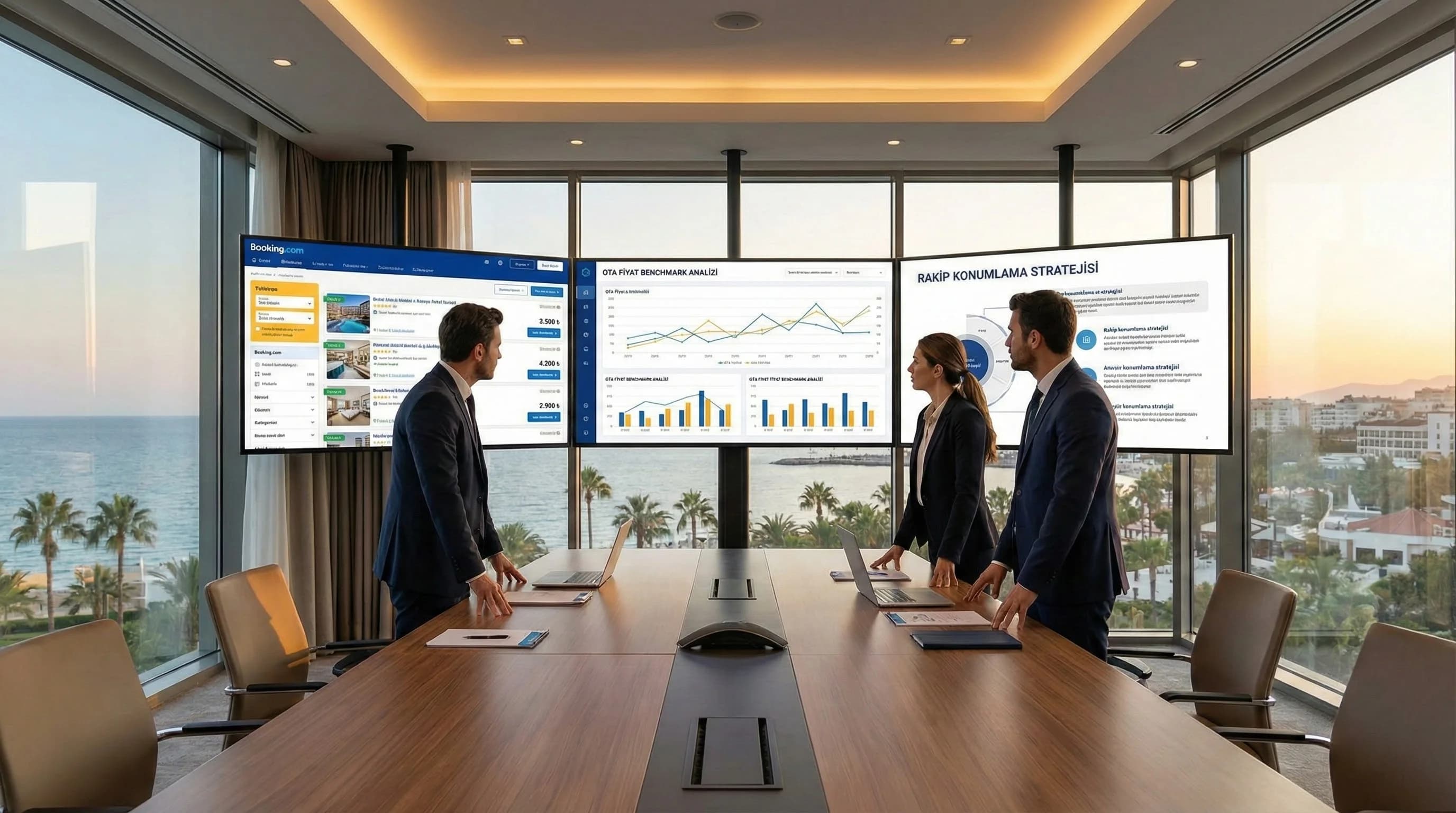
The reflex of looking at OTA screens and saying "the competitor is cheaper than me, I'm downloading it immediately"; Even if it recovers occupancy in the short term, it reduces the ADR in the medium term, increases parity risk and damages the perception of value. The purpose of this guide; Transforming the price information you see on OTAs such as Booking/Expedia from the "screen reading" level into a strategic positioning decision: which set of competitors you will compare with, on which date/room type; how to connect price position to occupancy and revenue; To clarify how to move forward with smart band management instead of a price war.
Veri Analizi & Raporlama Blogları

Positioning Compared to Competitors with OTA Price Benchmark
The reflex of looking at OTA screens and saying "the competitor is cheaper than me, I'm downloading it immediately"; Even if it recovers occupancy in the short term, it reduces the ADR in the medium term, increases parity risk and damages the perception of value. The purpose of this guide; Transforming the price information you see on OTAs such as Booking/Expedia from the "screen reading" level into a strategic positioning decision: which set of competitors you will compare with, on which date/room type; how to connect price position to occupancy and revenue; To clarify how to move forward with smart band management instead of a price war.

Hotel Benchmark Analysis: KPI & Competitor Set Antalya
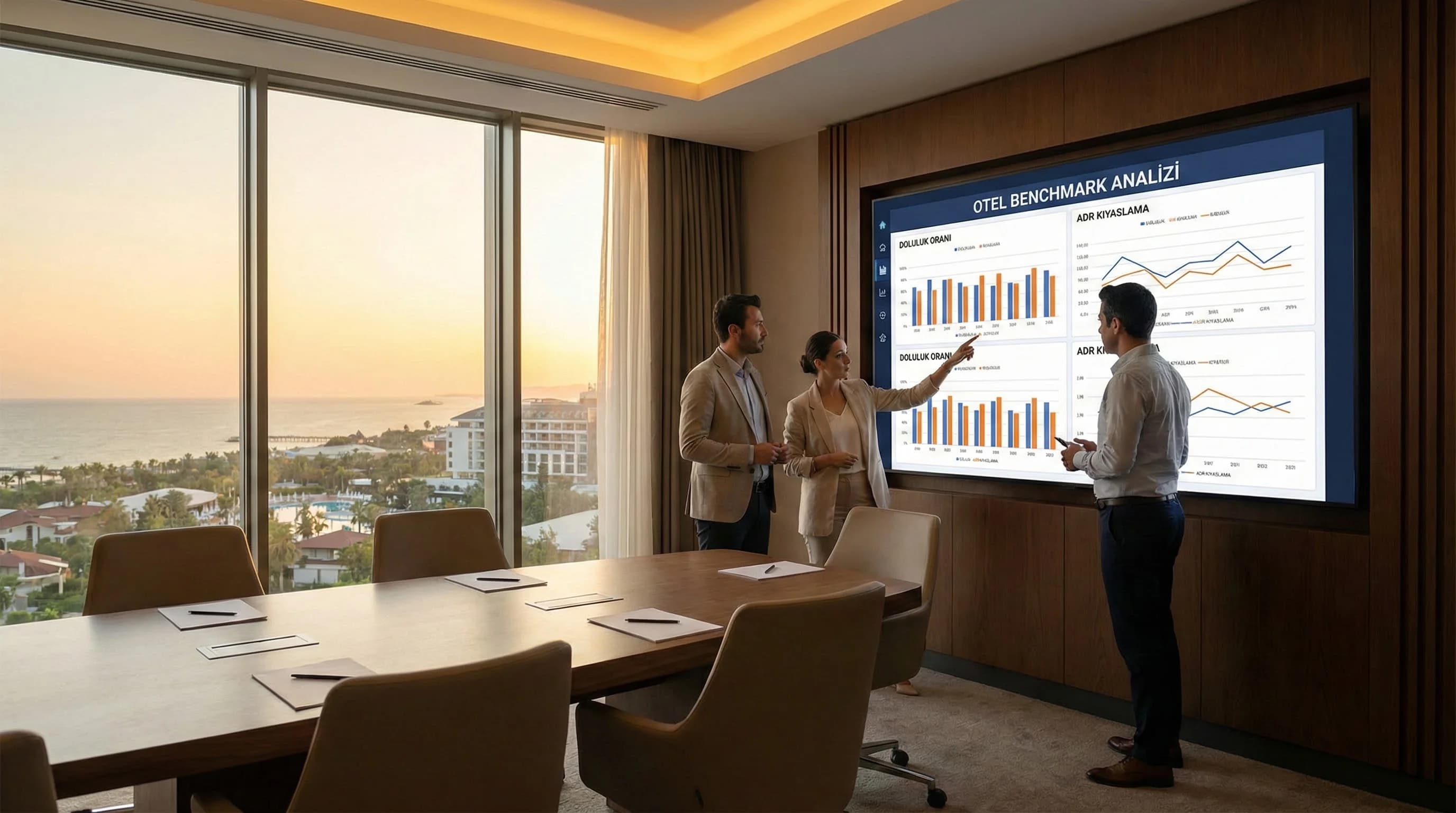
Reading hotel performance simply as “we increased by X% compared to last year” often gives an incomplete picture. Because the market may have grown in the same period, competitors may have cut prices aggressively, or demand may have shifted regionally (e.g. in the Antalya-Belek line). Benchmark analysis is exactly why; positions your hotel within the market and asks “are we doing well?” answers the question with the framework of comparison. In this guide, we will explain step by step what a benchmark is, which KPIs to work with, how to choose a set of competitors, and how to set up a simple routine.

Executive Dashboard and Automated Looker Studio Reporting for Managers
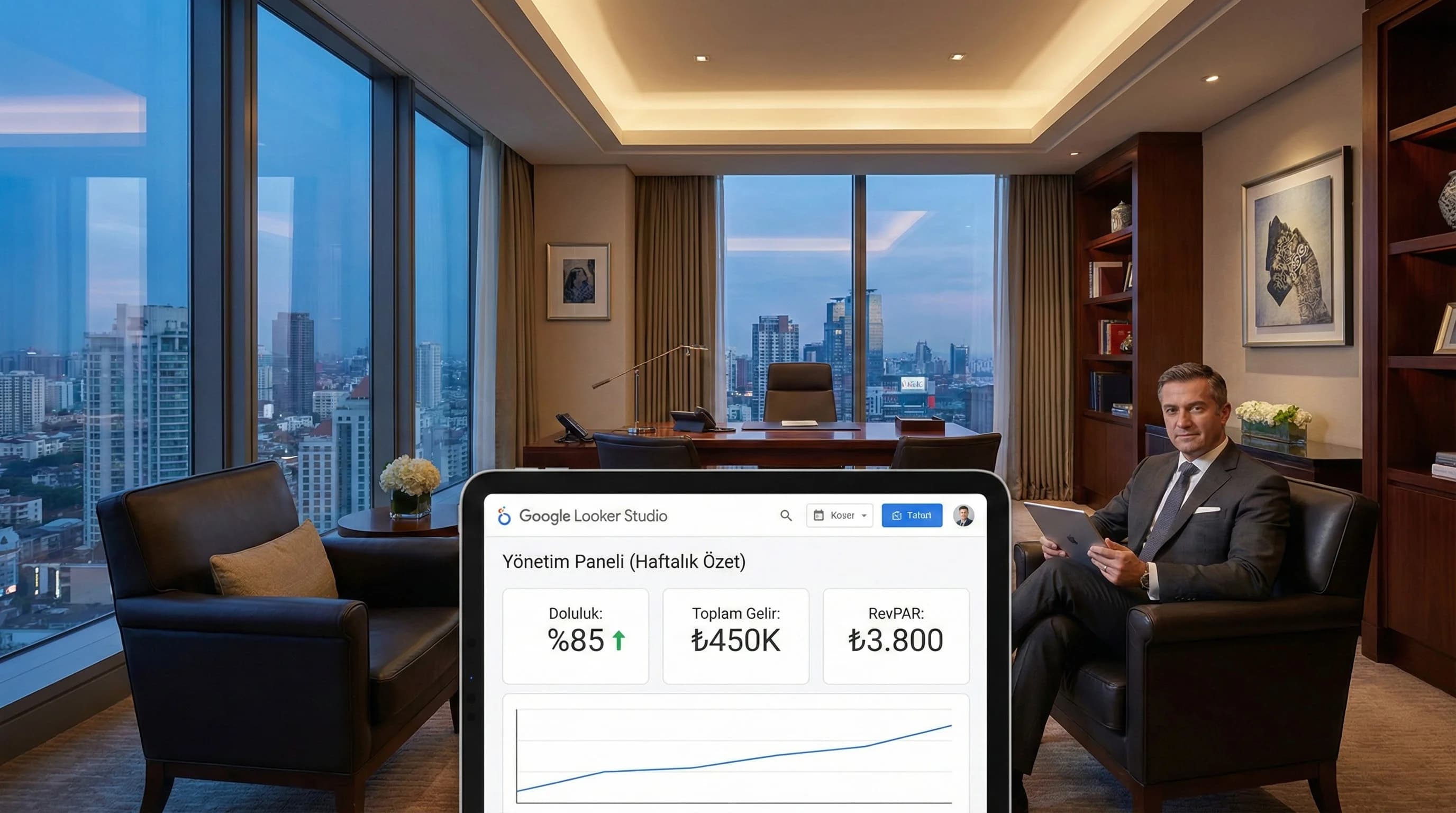
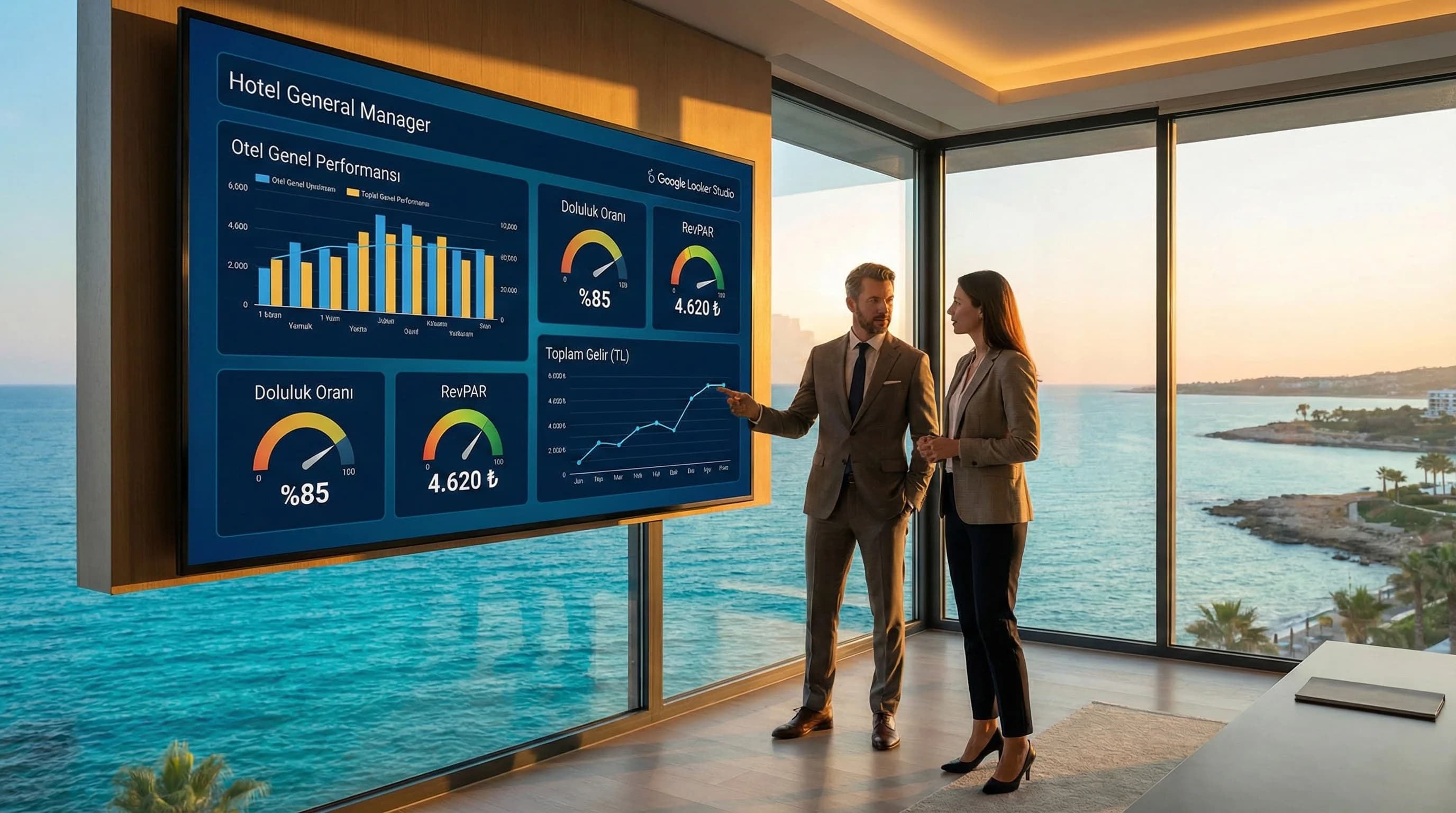
This article moves management reporting from “single slide” logic to “single panel” logic. First, we will select the 10–15 KPI sets that the management really looks at, and then we will establish layout principles that will allow these KPIs to be read on a single screen. Then, we will plan the automatic e-mail/PDF report cycle (weekly/monthly) in Looker Studio and connect the meeting flow to the "panel → action list → follow-up" order.

Looker Studio Architecture in Multi-Hotel Buildings: Dashboard Design for Group Hotels
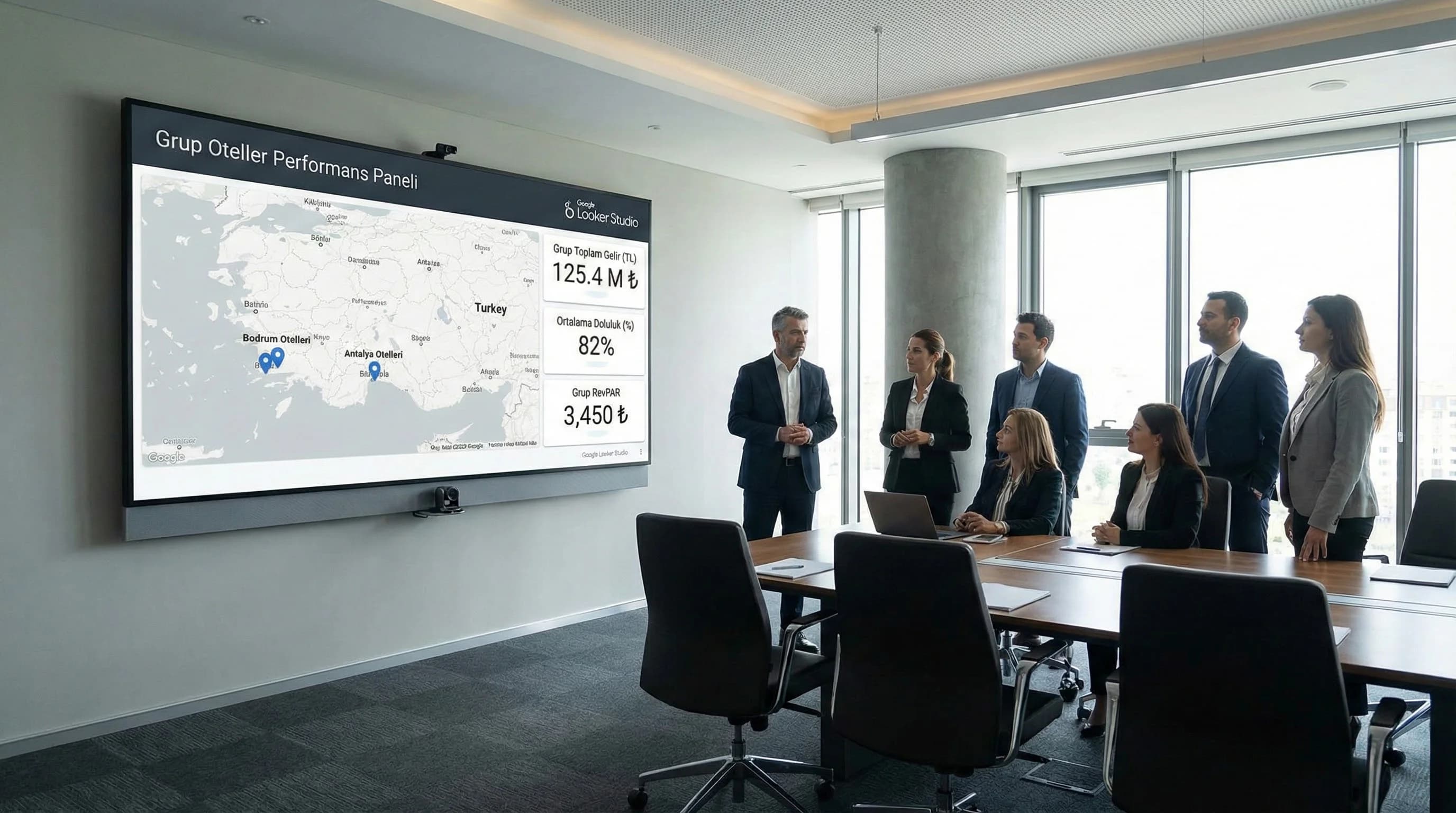
In this article, we will set up multi-property reporting with the analogy of “head office panel + hotel pages”. First, we will clarify the property-based data structure and naming convention, and then we will design the group and hotel level dashboard layers. Then, we will create a scalable architecture by adding role-based access, filter/view approach and destination breakdowns such as Antalya–Bodrum. In the last section, we will show the sample panel flow with the “X hotel group scenario”.

Connecting PMS and OTA Data to Looker Studio: Seeing Hotel Sales with Data
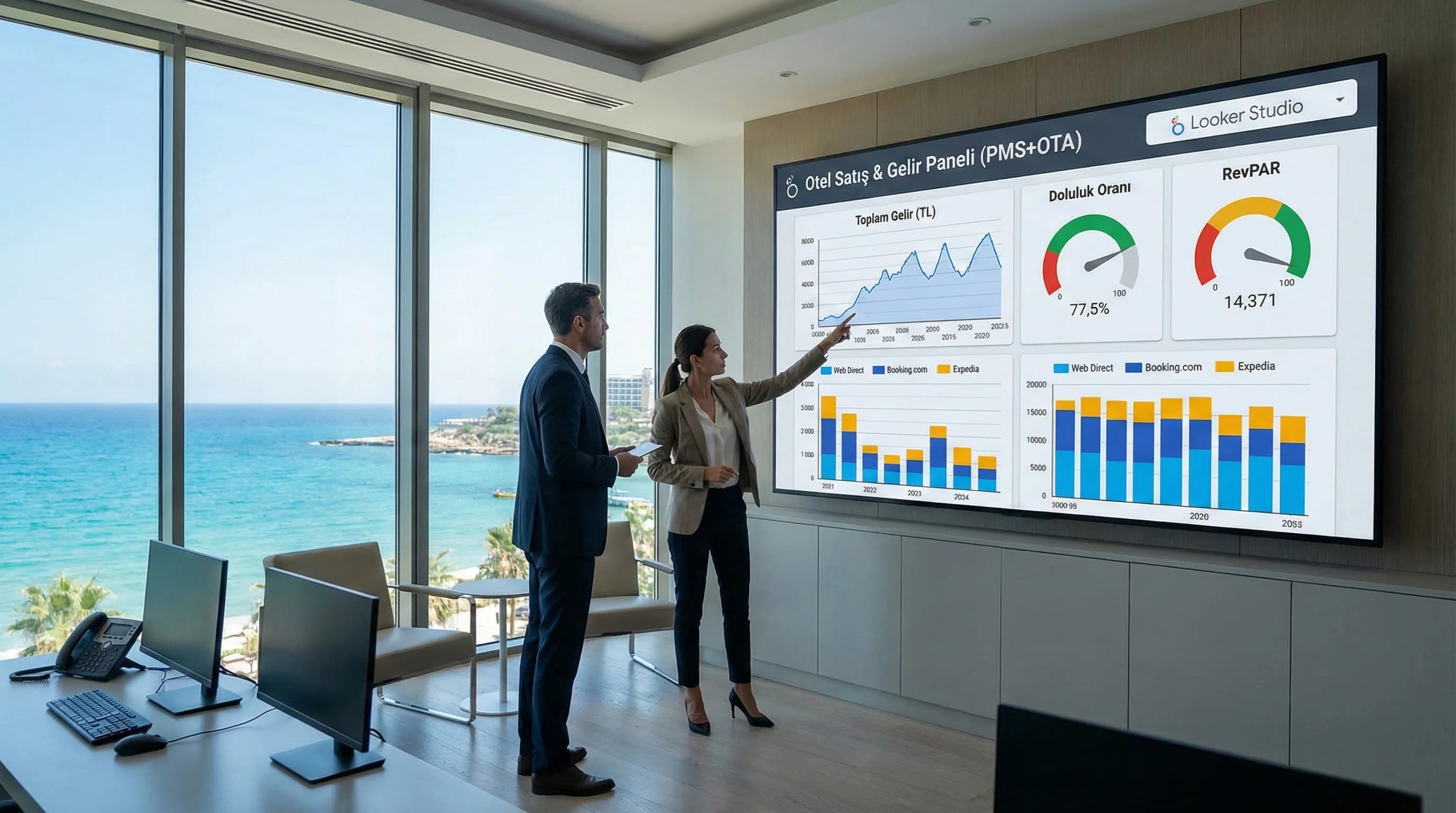
Move PMS and OTA data to Looker Studio. Combine occupancy, revenue, RevPAR, cancellation/no-show and channel contribution with GA4+Ads and compare OTA–web–call center sales in a single panel.

SEO+SEM+SMM Single Panel: Hotel Dashboard | DGTLFACE
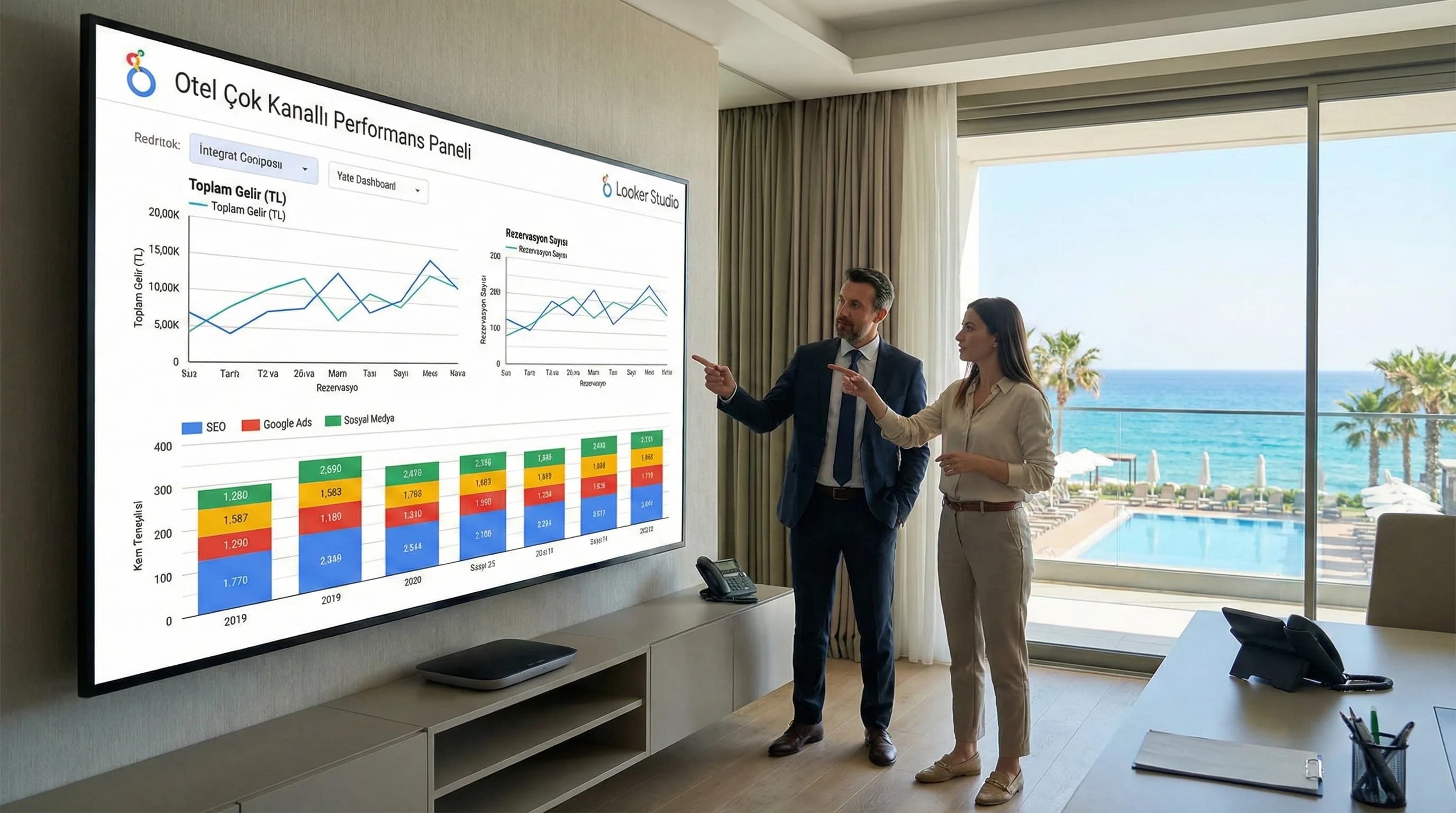
Summary Box: This guide was prepared to end the "SEO separate, advertising separate, social separate" reporting habit in hotels. By establishing a single panel in Looker Studio, you will (1) connect data sources, (2) define a common set of KPIs for SEO–SEM–SMM, (3) optimize the budget/strategy by comparing channel-based funnel and contribution.

Looker Studio: Türkiye Hotels KPI Dashboard | DGTLFACE
This guide explains how Looker Studio creates value on the hotel side; which data sources you need to combine; It clarifies which KPI set you will set up a “management panel” with and how you will publish the first dashboard step by step. Aim; The aim is not to speed up report production, but to see the traffic→reservation→income flow on a single screen and standardize decision-making.
Diğer / Genel SEM

Positioning Compared to Competitors with OTA Price Benchmark
The reflex of looking at OTA screens and saying "the competitor is cheaper than me, I'm downloading it immediately"; Even if it recovers occupancy in the short term, it reduces the ADR in the medium term, increases parity risk and damages the perception of value. The purpose of this guide; Transforming the price information you see on OTAs such as Booking/Expedia from the "screen reading" level into a strategic positioning decision: which set of competitors you will compare with, on which date/room type; how to connect price position to occupancy and revenue; To clarify how to move forward with smart band management instead of a price war.

Hotel Benchmark Analysis: KPI & Competitor Set Antalya
Reading hotel performance simply as “we increased by X% compared to last year” often gives an incomplete picture. Because the market may have grown in the same period, competitors may have cut prices aggressively, or demand may have shifted regionally (e.g. in the Antalya-Belek line). Benchmark analysis is exactly why; positions your hotel within the market and asks “are we doing well?” answers the question with the framework of comparison. In this guide, we will explain step by step what a benchmark is, which KPIs to work with, how to choose a set of competitors, and how to set up a simple routine.

Executive Dashboard and Automated Looker Studio Reporting for Managers
This article moves management reporting from “single slide” logic to “single panel” logic. First, we will select the 10–15 KPI sets that the management really looks at, and then we will establish layout principles that will allow these KPIs to be read on a single screen. Then, we will plan the automatic e-mail/PDF report cycle (weekly/monthly) in Looker Studio and connect the meeting flow to the "panel → action list → follow-up" order.

Looker Studio Architecture in Multi-Hotel Buildings: Dashboard Design for Group Hotels
In this article, we will set up multi-property reporting with the analogy of “head office panel + hotel pages”. First, we will clarify the property-based data structure and naming convention, and then we will design the group and hotel level dashboard layers. Then, we will create a scalable architecture by adding role-based access, filter/view approach and destination breakdowns such as Antalya–Bodrum. In the last section, we will show the sample panel flow with the “X hotel group scenario”.

Connecting PMS and OTA Data to Looker Studio: Seeing Hotel Sales with Data
Move PMS and OTA data to Looker Studio. Combine occupancy, revenue, RevPAR, cancellation/no-show and channel contribution with GA4+Ads and compare OTA–web–call center sales in a single panel.

SEO+SEM+SMM Single Panel: Hotel Dashboard | DGTLFACE
Summary Box: This guide was prepared to end the "SEO separate, advertising separate, social separate" reporting habit in hotels. By establishing a single panel in Looker Studio, you will (1) connect data sources, (2) define a common set of KPIs for SEO–SEM–SMM, (3) optimize the budget/strategy by comparing channel-based funnel and contribution.

Looker Studio: Türkiye Hotels KPI Dashboard | DGTLFACE
This guide explains how Looker Studio creates value on the hotel side; which data sources you need to combine; It clarifies which KPI set you will set up a “management panel” with and how you will publish the first dashboard step by step. Aim; The aim is not to speed up report production, but to see the traffic→reservation→income flow on a single screen and standardize decision-making.