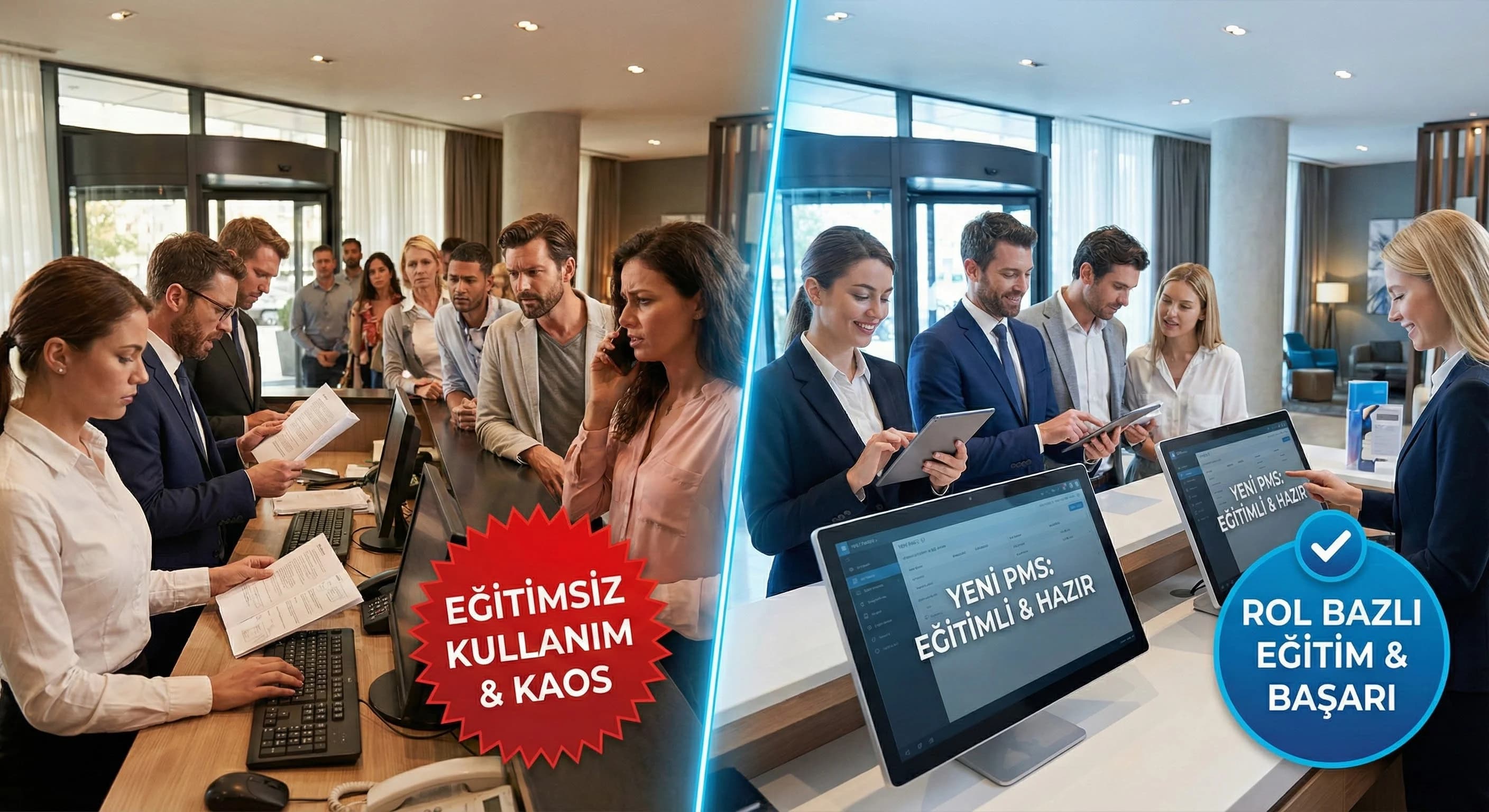
1. Why is PMS Training the Heart of the Project?
In PMS Implementation, technical installation alone does not bring success; What determines success is the integration of the system into the daily workflow as "correct behavior". This can only happen with training: the right person learns the right module, rehearses the right scenario, and goes live with the right authority. If training gets "stuck in between" due to shift pressure in busy operation destinations such as Antalya/Belek/Side, errors increase; If the training is linked to the project plan, risks are reduced.
What should I do?
- •Position training as a “critical path” in the project plan
- •Set role-based goals: who should perform which action without errors?
- •Incorporate post-go-live support rhythm into your training plan
2. Who Should Participate in Training, Training Sets According to Roles
In education, “telling everything to everyone” leads to rapid forgetting. The right approach: role-based training sets and clear output for each role: which actions, which rules, which screens.
Role-based training matrix (example)
| Role / Department | Core to learn | Practical scenario | Measurement |
|---|---|---|---|
| Reception | check-in/out, folio, room change, guest note | busy check-in day | transaction error + time |
| Reservation Team | price/availability, option, cancellation/no-show | reservation by phone | correct price/rule |
| Revenue | price plan logic, report reading | pickup/cancellation analysis | report accuracy |
| Accounting | invoice rules, report validation | end of day closing | consistency |
| Sales | company/agencies, contracts | corporate booking | contract accuracy |
What should I do?
- •Create a list of 10–15 “critical actions” for each role
- •Design role-based authority plan with training
- •HR, revise shift plan according to training schedule
3. Balance of Classroom, Practical and On-the-Job Training
Classroom education explains the concept; hands-on training builds muscle memory; On-the-job carries it to real life. The most effective model is a balanced combination of these. Training would be incomplete without "role-play", especially in operational roles such as reception.
Recommended format mix (practical)
- •Class / brief theory: business rules, flow logic, common failure points
- •Hands-on: executing screenplays in a test environment
- •Role-play: reservation/accommodation flow with guest/call center dialogues
- •On-the-job: shadowing + controlled application during the go-live week
What should I do?
- •Prepare a role-play package of 5–7 scenarios for each role
- •Plan a practice session that 'allows for mistakes' in a testing environment
- •Write a shadowing plan for the go-live week
4. Training Materials and User Guides
2 weeks after the training, the team asked “where is his grade?” If it returns to the question, the documentation is weak. That's why training materials should not be a one-time presentation, but a living guide: short workflow cards, list of common errors, mini video recordings, step-by-step guide with screenshots.
Minimum training package (concrete)
- •“1 page” workflow cards (Reception quick guide)
- •List of common errors & solutions
- •Mini guides with screenshots
- •10-question mini quiz + success threshold
- •Authorization criteria (certificate logic)
LMS note (according to sheet): Training sessions must be recorded; documentation should be kept in order; If available, content should be configured via LMS.
What should I do?
- •Print the “quick guide” in a format suitable for the reception desk
- •Keep records (video/slide) in a single archive, grant access authority according to role
- •Link “authority” with mini quiz/certificate (who can do what action live?)
5. Post-Training Support and Refresh Sessions
Real adaptation begins after go-live. First 30–60 days; It is the period when questions accumulate, mistakes emerge and correct habits are established. Therefore, a “support rhythm” should be added to the training plan: question pool, weekly mini-sessions, retraining (refresh) and authority revision.
First 30–60 days support model (example)
- •Daily: short Q&A for the first 10 days (15 min)
- •Weekly: mini refresh on the 3 most mistaken transactions
- •Day 30: role-based performance and authority review
- •Day 60: process standard + documentation update
What should I do?
- •Establish a single channel “question collection” system (form/board)
- •A weekly report of the 3 most erroneous transactions will be produced.
- •Update documentation on day 60, convert training package to v2
6. How should you prepare the PMS training plan?
- •Determine the target audience: Handle Reception, Reservation Team, Revenue, Accounting roles separately
- •Break down content by role: critical operations + business rules + common failure points
- •Plan the format: balance classroom + hands-on + role-play + on-the-job
- •Measure: quiz/certificate + set delegation criteria
- •Establish a follow-up cycle: Q&A + refresh sessions + question pool for the first 30–60 days
- •Structure documentation: logs, guides, maintain with LMS if applicable
7. How will I get the team used to the new PMS?
- •Separate roles: reception, reservations, accounting, revenue team should receive different training.
- •Schedule short sessions with a shift calendar; Work out scenarios in the test environment.
- •Rehearse problem days with role-play (cancellation/no-show, room change, busy check-in).
- •Empower with a mini quiz; Have a question collection and weekly refresh session for the first 60 days.
8. GEO Scenario — Reception teams with high turnover in Antalya/Belek/Side
If the turnover in the reception team is high in destinations such as Antalya / Belek / Side, training cannot be “one-time”. Two critical moves work in this case: (1) shift-based microtraining, (2) role-based quick guide + refresh rhythm. In this way, new personnel make less critical errors in the system; learning time is shortened.
9. Download PMS Training Calendar & Role-Based Content Template — PMS Training (v1.0)
Download PMS Training Calendar & Role-Based Content Template — PMS Training (v1.0)
This template has been prepared for you to plan PMS training with a calendar suitable for shift order, role-based content set and measurement-evaluation structure instead of a "single session". It also includes question collection and refresh sessions for the first 60 days after go-live. HR + operations + project team proceeds with the same plan.
Kim Kullanır?
HR + Operations (Reception/Reservation) + Project team + IT/integration (training and go-live coordination).
Nasıl Kullanılır?
- Select the roles and fill out the “critical operations” list for each role.
- Arrange sessions according to the shift schedule; Plan scenarios with role-play.
- Empower with mini-exam/certificate; Operate 60 days Q&A + refresh cycle.
Ölçüm & Önceliklendirme (Kısa sürüm)
- ▢ ✅ Role list clear (Reception, Reservation Team, Revenue, Accounting)
- ▢ ✅ 10–15 critical action lists ready for each role
- ▢ ✅ Training format mix determined (classroom/hands-on/role-play/on-the-job)
- ▢ ✅ Shift based calendar designed (who, when)
- ▢ ✅ Test environment is ready (for scenario work)
- ▢ ✅ Mini exam + success threshold determined
- ▢ ✅ Authorization criteria written (certificate logic)
- ▢ ✅ 60-day support/refresh plan after go-live is on the calendar
PDF içinde: Problem→Kök Neden→Çözüm tablosu + 14 gün sprint planı + önce/sonra KPI tablosu
10. Request PMS Training & Onboarding Analysis
Bir Sonraki Adım
You accelerate adaptation with role-based training, scenario and 60-day support rhythm without breaking the shift routine.