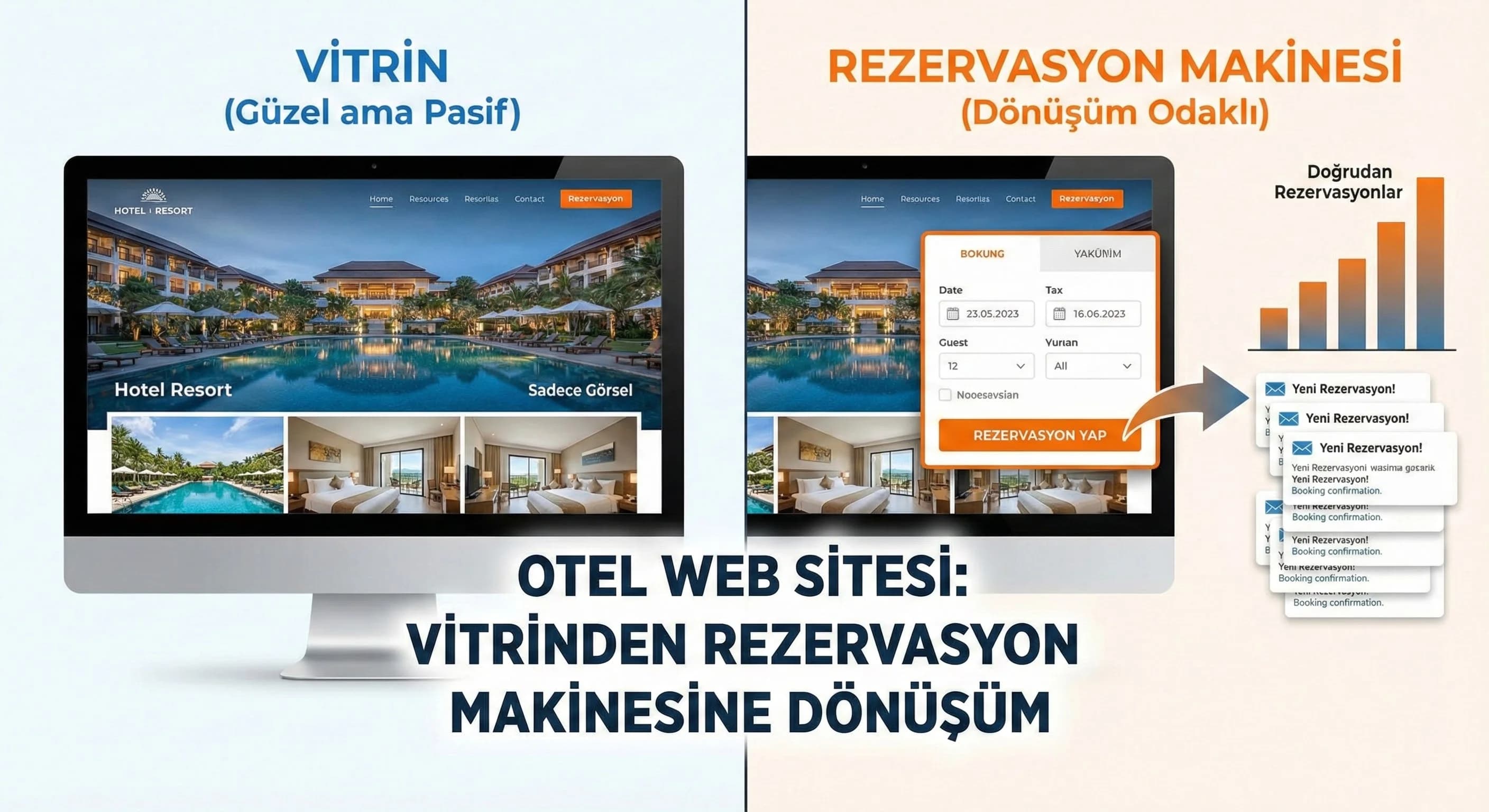
1. User Journey on Hotel and Tourism Sites
The user journey on a hotel site is generally divided into 5 intentions: discovery, comparison, verification, booking, contact. The problem is: most sites do good discovery but leave the “verification” (trust + conditions + transparent price) phase weak. Result: the user either returns to the OTA or calls the call center "for question purposes".
Therefore, the goal is to move the call center out of the "receiving information" channel and closer to the reservation completion channel. Your UX should push the user to make a decision, not to ask a question.
Mini Check
- • Does the user get the feeling of “I'm in the right hotel” in the first 10 seconds?
- • How many clicks is the shortest way to date/price information?
- • Are trust elements (ratings, comments, policy) visible?
2. UX Guidelines for Home, Room and Offer Pages
Home page — clear value proposition + quick search box
The job of the home page is not to “tell everything” but to provide quick search and accurate navigation. The most critical component on hotel sites is often the “date + person + room” search field. If this area is not visible or disappears on mobile, the funnel is weakened from the very beginning.
Must-have items on the home page
- •Net value proposition (concept + destination + strong differentiation)
- •Speed dial (date/person)
- •3–5 main USPs (e.g. beachfront, family concept, spa, kids club)
- •Social proof (score, number of reviews, reward)
- •“Direct booking advantage” message (Assumption: rate parity strategy)
Mini Check
- • Is the search module on the first screen?
- • Can it be used with one hand on mobile?
- • Is the “direct booking” advantage clear?
How should hotel website UX be?
Hotel web UX should optimize three layers together: fast search and clear messaging on the homepage, transparent price/condition and trust on the room page, short steps in the booking flow and minimal form space. The user should feel like they are “making the right choice” at every step; Elements of trust and social proof must be visible.
Room pages — photos, features, price and conditions
The room page is the moment of decision. The user wants to answer the following questions here: "Is this room suitable for me, what is the price/condition, how to cancel/refund, can I trust it?" If this information is messy, the user exits by saying "I'll look again".
Critical blocks on the room page
- •Photo gallery (fast on mobile, categorized)
- •Room features (clear, scannable)
- •Price + inclusions (explicit)
- •Conditions (cancellation, payment, check-in/out)
- •Social proof (comment, rating, UGC)
- •Signs of trust (SSL, payment infrastructure, 3D Secure, etc. without “logo spam”)
Mini Check
- • Are price and condition on the same screen?
- • Does the photo gallery open quickly?
- • Is the “Booking” CTA disappearing?
Offer/Campaign pages — one purpose, one flow
The campaign page should work like a “mini landing page”: too many links, too many options spoil the funnel. Goal: explain the campaign → give confidence → forward to the appropriate date → make a reservation.
What should I do?
- •Pin “price/condition” blocks on room page
- •Make CTA sticky on mobile (Assumption)
- •The only purpose of the campaign pages: reservation
3. Reservation Funnel (Date→Room→Price→Payment)
The reservation funnel is a "sales process", not a design. Every additional field, every unclear text, every slow loading means a drop-off. The ideal approach in this flow: shorten the steps, show the user where they are, reproduce trust at every step.
Funnel steps and target friction level
- •Date selection (easy, fast, alternative suggestion)
- •Room selection (comparison, filter, clear differences)
- •Price & package (inclusions, tax/fee transparency)
- •Guest information (minimum space, autofill)
- •Payment (trust + error tolerance)
What steps does the reservation funnel consist of?
Typical hotel booking funnel; It consists of the steps: date selection → room selection → price/package → guest information → payment. Successful funnels keep these steps short, give the user a progress indicator, and make trust marks visible at each step.
Progress indicator, error management and ease of “rollback”
The user chose the date, chose the room; If you get an error on the payment page, "going back to the beginning and entering everything again" will make you lose it. Good funnel; It manages the error and does not drop the user from the system.
Mini Check
- • Is there a progress bar?
- • Does the user lose their choice if there is an error?
- • Are the trust elements clear on the payment page?
5. Mobile UX and Call Center Integration
On mobile, the user is more impatient: most of the hotel search starts on mobile. So “call/WhatsApp” shortcuts can be critical, especially for the fickle user. But the target; The aim is to bring the call center closer to the reservation completion channel, rather than "getting information".
How do I improve the hotel booking experience on mobile?
Simplify the first screen on mobile, keep the search module visible, make the CTA (booking) sticky, minimize form fields and use enablers like Apple/Google autofill. Also, place “Call/WhatsApp” shortcuts at moments of stuckness during the booking step.
Call center and PMS integration
Call center integration is not just a “phone number”; Processes such as CRM/call tracking, reservation reference, and transfer of guest information are required. Additionally, if the PMS & OTA integration does not carry the availability and price information correctly, the funnel will be broken, no matter how good the UX is.
6. Download Hotel & Tourism Website UX + Booking Funnel Planning Template — Software
Download Hotel & Tourism Website UX + Reservation Funnel Planning Template — Software (v1.0)
This template collects conversion-oriented UX decisions (home page, room page, reservation funnel, mobile and call center) on the hotel website in a single document. Aim; It is to turn the scattered revisions of the teams into a "prioritized sprint plan" and make the direct reservation target measurable. It also makes PMS/OTA and payment integration risks visible in the same plan.
Kim Kullanır?
Hotel sales/marketing, revenue/e-commerce, agency UX/UI, developer, call center manager.
Nasıl Kullanılır?
- Extract the current funnel (date→room→price→payment) and mark the drop-off points.
- Fill in the “Home / Room / Funnel / Mobile / Trust” blocks in the template and determine the target KPI.
- Distribute actions into the 14-day sprint plan; implement quick wins (LCP/speed, CTA, form shortening) first.
Ölçüm & Önceliklendirme (Kısa sürüm)
- ▢ ✅ Don't talk UX without writing the KPI first; “What will increase?” Let's be clear.
- ▢ ✅ Let price/condition/trust be visible on the same screen on the room page.
- ▢ ✅ Reduce the number of steps in Funnel; Use a progress indicator at each step.
- ▢ ✅ Don't lose the CTA on mobile; Put “call/WhatsApp” in the moment of congestion.
- ▢ ✅ Make integration risks (PMS/OTA/payment) part of the plan.
PDF içinde: Problem→Kök Neden→Çözüm tablosu + 14 gün sprint planı + önce/sonra KPI tablosu
7. Result: Conversion-Focused Hotel UX = 3 Blocks + 1 Integration Layer
Success in this model; It comes when (1) home page (fast search + clear message), (2) room page (transparent price/condition + trust), (3) booking funnel (short steps + good error handling) and (4) integration layer (PMS/OTA + payment + call center) work together. This approach helps you get more direct bookings with the same traffic and reduce OTA dependency.
Bir Sonraki Adım
Let's analyze your site's homepage-room-reservation flow and clarify drop-off points and quick wins.
Frequently Asked Questions
How should hotel website UX be?▾
What should be on the room page?▾
What steps does the reservation funnel consist of?▾
How do I improve the hotel booking experience on mobile?▾
How does social proof (comment/rating) affect conversion?▾
Is call center integration part of UX?▾
İlgili İçerikler
İlgili Yazılar