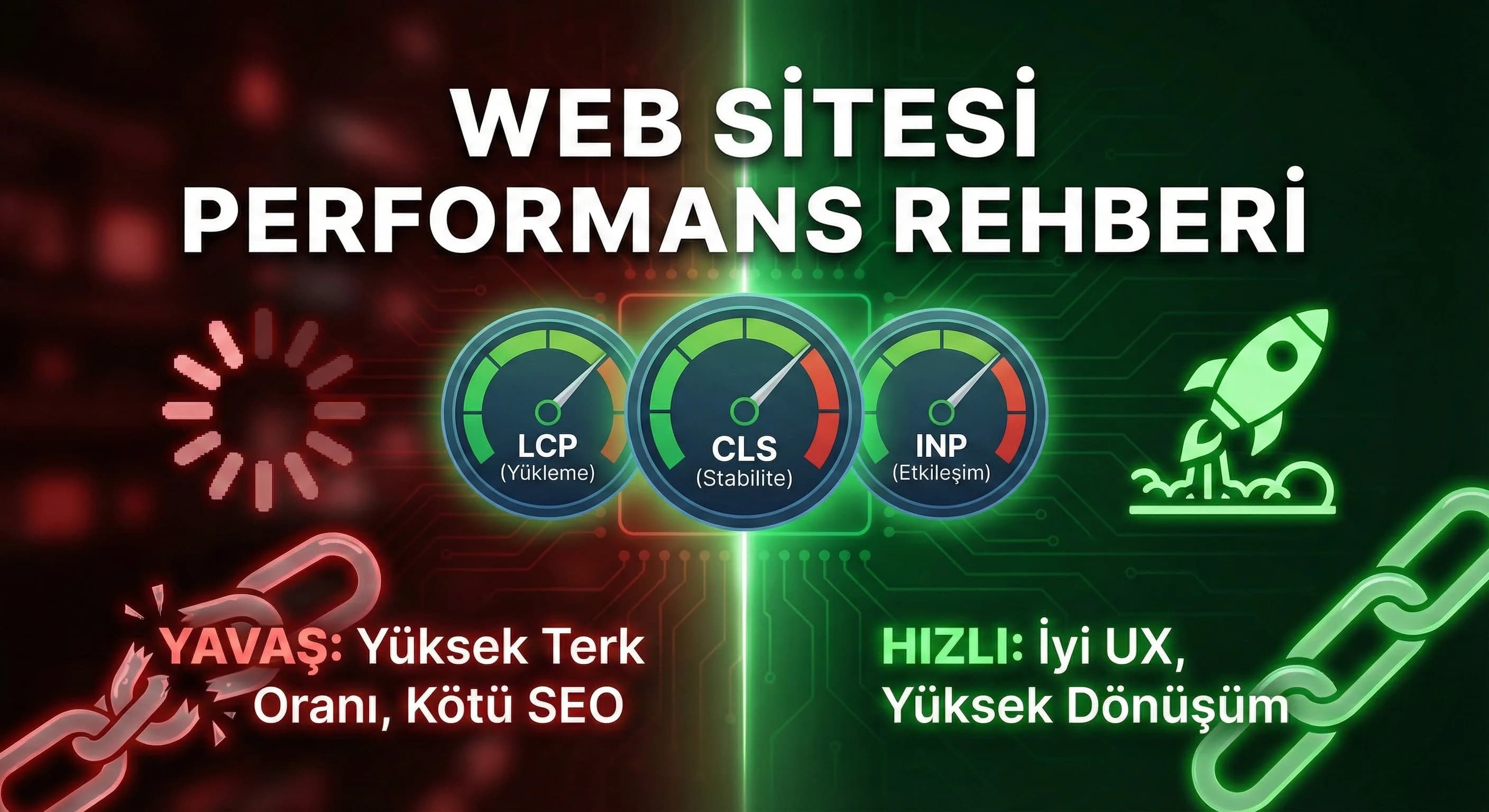
1. What is Core Web Vitals? (LCP, CLS, INP)
Core Web Vitals are the set of metrics that Google highlights to measure user experience. In practice, it tells you: how fast the page loads “significantly” (LCP), whether the interface is bouncy (CLS), how quickly the site responds when the user clicks (INP). CWV alone is not a “ranking guarantee”; But if the speed is bad, SEO, UX and advertising efficiency will suffer at the same time.
LCP (Largest Contentful Paint) – “When does the largest element on the page appear?”
LCP usually comes from the hero image, banner area or top banner. On hotel sites, LCP is mostly a giant image/slider; In B2B it could be a big hero + video or a heavy UI component.
Here: LCP “largest element” examples (hero image / slider / video poster)
CLS (Cumulative Layout Shift) – “Is the page jumping?”
CLS is the displacement of the page before the user clicks on it. The most common reason: images whose size is not defined, fonts that load late, banners that enter later (cookie bar / promo).
INP (Interaction to Next Paint) – “Does it lag when you click?”
INP is broken by heavy JS and main thread blocks. Third party scripts (tag/ads/chat), big bundles, bad event handlers drag INP down.
☑ Mini Check
- •Is the LCP element (hero/parent) clear?
- •Are the dimensions (width/height) of the images defined?
- •Are there heavy JS/3rd-party scripts on the page?
2. Priorities for Speed Optimization
Doing performance work just to "touch everything" makes you lose the fastest way. Correct order: LCP → CLS → INP. Because the user first asks "Did the page arrive?" says, then “is the page fixed?” says, then “is the site responsive?” says.
How do I improve my LCP, CLS and INP values?
For LCP, minimize the hero image, use the correct format (WebP/AVIF) and serve from caching/CDN. Fix image dimensions for CLS, optimize font loading and place late banners in a controlled manner. Reduce JS overhead for INP, implement code splitting, and discipline third-party scripts.
What should I do?
- • Select the 5 worst pages with PageSpeed/CrUX
- • Target LCP first on each page (hero)
- • Fix CLS resources (img size, font, banner)
- • JS and 3rd-party reduce (prioritization) for INP
Here: Optimization flow diagram (Measure → fix LCP → fix CLS → fix INP → measure again)
3. Visual and Font Optimization
On corporate sites, 60% of the performance is often solved in the visual + font layer. Hotel websites are heavily photographed; Even if B2B sites are more "UI-oriented", font and icon loads may become heavy.
Image size and formats (WebP, responsive images)
• Serve images in the correct format (WebP/AVIF). • Use responsive images: do not send 2000px images on mobile. • Special approach to the hero image: single, optimized, cached.
☑ Mini Check
- •Is the Hero image really “unique and optimized”?
- •Are gallery images lazy-loaded?
- •Are the dimensions of the images correct in the source, not CSS?
Font optimization (FOIT/FOUT control)
The secret culprit of CLS is fonts. When fonts arrive late, the page jumps. Solution: reducing the number of fonts, correct preload and fallback strategy. Assumption: In a corporate project, it is aimed not to exceed 2 font families + 2–3 weights.
Here: Font loading scheme (preload → swap → fallback)
4. Performance Tips Specific to Next.js
Next.js gives you powerful tools for performance; but misuse produces “easy slowness”.
Lazy-loading, code splitting, caching
• Component-based splitting (route-based code splitting already exists; split heavy components separately) • Use static speed with ISR/SSG (on appropriate pages) • Plan caching strategy (Assumption) where SSR is required
Using Next/Image
Next/Image contributes greatly to LCP when used correctly; When used incorrectly (oversized, wrong priority), it overwhelms the LCP.
☑ Mini Check
- •Does "priority" make sense in an image with an LCP element?
- •Do the images have the correct width/height?
- •Does the placeholder/blur strategy break the UX?
5. Performance Checklist for Hotel and B2B
Narrowing performance standards “by industry” makes things easier.
Hotel sites (high visual load)
• Hero/slider simplification • Gallery and room images lazy-load • Reservation flow separate performance test set • Visual dimension discipline on destination pages (Antalya/Belek/Side/Kemer/Bodrum)
What should I do?
- • Prefer single hero + light gallery instead of slider (if necessary)
- • Keep booking CTA and flow as “fast track”
- • Secure LCP on first screen
B2B sites (UI + script payload)
• Reducing third party scripts • Optimizing demo/dashboard pages separately • Cleaning up delays in the form conversion flow
What is Core Web Vitals, how does it affect website performance?
Core Web Vitals; It measures whether the page loads quickly (LCP), whether the interface is stable (CLS) and whether it responds quickly to interaction (INP). When these metrics are bad, the user exits before even seeing the content; SEO and advertising landing efficiency also decrease together. Therefore, CWV improvement is the “measurable backbone” of performance studies.
6. Conclusion: Performance is a Cycle, Not a “One Time”
CWV optimization is not over once done; Design updates, new content and third-party scripts can bring performance down again. Therefore, the goal is to establish the measure-improve-protect cycle and keep the thresholds updated with a 180-day refresh.
7. Download Website Performance & Core Web Vitals Checklist Template — Software (v1.0)
Download Website Performance & Core Web Vitals Checklist Template — Software (v1.0)
This asset turns Core Web Vitals performance improvement into a prioritized process rather than “random optimization”. It gives clear actions at the checklist, visual/font, JS/code and server/cache layers, proceeding in the order LCP→CLS→INP. It provides an operational standard to reduce speed-related abandonment and conversion loss on hotel and B2B sites.
Kim Kullanır?
Front-end developer, performance/SEO specialist, project manager, marketing manager.
Nasıl Kullanılır?
- Select the 5 worst pages with PageSpeed/CrUX and note their CWV metrics.
- Apply the checklist in the order LCP→CLS→INP; Add evidence (report/screenshot) for each item.
- Plan fixes with a 14-day sprint plan; Compare KPIs after 30 days.
Ölçüm & Önceliklendirme (Kısa sürüm)
- ▢ ✅ PageSpeed + CWV metrics retrieved (LCP/CLS/INP)
- ▢ ✅ The 5 worst pages were determined
- ▢ ✅ LCP element detected (hero/image/title)
- ▢ ✅ CLS resources listed (img size/font/banner)
- ▢ ✅ INP sources listed (JS/3rd-party/main thread)
- ▢ ✅ Hero image format WebP/AVIF
- ▢ ✅ Hero size reduced
- ▢ ✅ Responsive images implemented
- ▢ ✅ Caching/CDN checked (Assumption)
- ▢ ✅ Critical CSS/JS simplified (Assumption)
- ▢ ✅ Images were given width/height
- ▢ ✅ Font swap/fallback plan was made
- ▢ ✅ Cookie/promo banner managed with fixed area
- ▢ ✅ Lazy loading components do not push the layout
- ▢ ✅ Third party scripts reduced
- ▢ ✅ Heavy components lazy-load
- ▢ ✅ Code splitting (large modules)
- ▢ ✅ Event handlers optimized
- ▢ ✅ Main thread blocks cleared (Assumption)
PDF içinde: Problem→Kök Neden→Çözüm tablosu + 14 gün sprint planı + önce/sonra KPI tablosu
Bir Sonraki Adım
Let us extract the LCP/CLS/INP root causes and create a workable improvement plan for your hotel or B2B site.