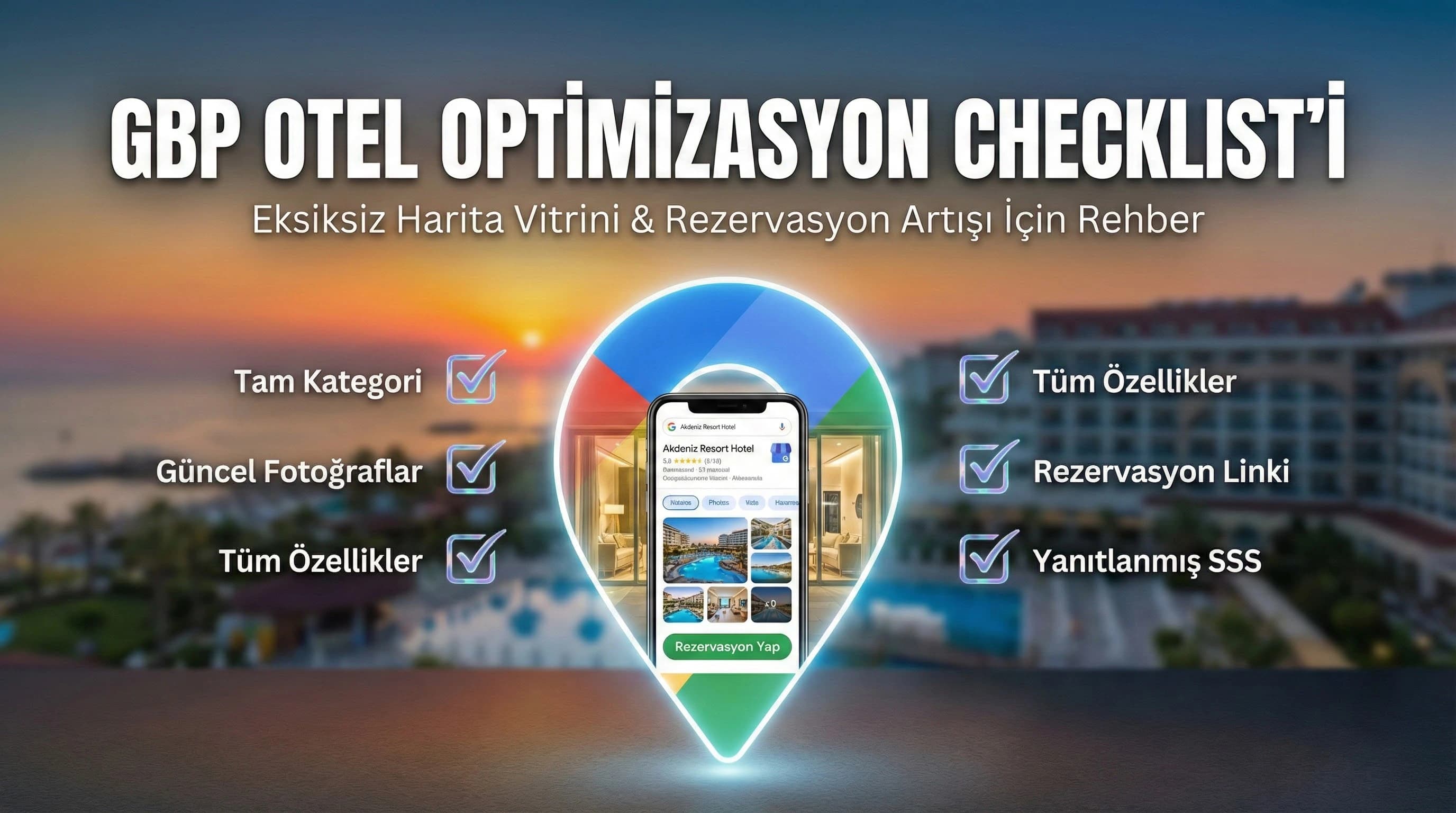
1. How to optimize Google Business Profile? (Step by step for hotel)
As per AEO requirement, this section proceeds clearly in numbered list format. The goal is not to do “everything at once”; The aim is to first complete the core areas that affect visibility and then move on to advanced areas.
1) Initial installation and verification (Foundation)
- •Verify profile ownership (without verification the ranking and trust signal will be weakened).
- •Standardize business name, address and telephone (NAP) in a single format.
- •Schedule opening hours and seasonal/special day updates.
☑ Mini Check (Setup)
- • Is GBP verification ok?
- • Is NAP in one format?
- • Are working hours and season information up to date?
What should I do?
- • Proceed in the order of Verification → NAP standard → working hours.
- • Get at least 10 critical areas “complete” within the first week.
- • Assign profile update person (operations + marketing coordination).
2. Which category should I choose for my hotel? (Category + Attributes)
In Hotel GBP, the category determines “what search intent” you will be visible on. If the primary category is wrong, the relevance signal will remain weak no matter how many photos you upload. Primary category; According to the type of hotel, such as “Hotel / Resort Hotel / Boutique Hotel”, secondary categories should be chosen to support the actual service (e.g. spa, restaurant, event space, etc., to the extent that the business actually offers).
Quick rule set for correct category selection
- •Primary category: The broadest but most accurate description (e.g. “Resort Hotel” if you are a resort).
- •Secondary categories: Support the main experiences you offer (spa/restaurant).
- •Consistency: If you say "boutique hotel" on your website, choosing "resort" in GBP may create a contradiction.
Attributes / Amenities: Visibility + conversion signal for hotel
Hotel features (spa, aquapark, all inclusive, kids club, beach, parking) are not just "information"; It is also a relevance signal that matches search queries. In competitive regions such as Antalya-Belek, profiles lacking amenities areas intended as a "family resort" may be left behind.
☑ Mini Check (Category + Features)
- • Does the primary category reflect the actual hotel type?
- • Do secondary categories support the concept?
- • Is the Amenities area complete (spa, kids, beach, etc.)?
What should I do?
- • Select 10 target queries (like “Belek all inclusive resort”) and match them with categories.
- • Fill out the Amenities field as if it were an actual service listing, not as a “sales brochure.”
- • Clearly state seasonal changing facilities (e.g. aquapark season).
3. Which fields are required to be filled in GBP? (Profile completeness checklist)
It is better to think of “required” fields in a hotel GBP profile in terms of the user journey: the user first looks for a trust signal in the map card, then looks for a decision signal, then wants action (web/booking/search).
Essential core areas (10 things to do in the first 30 minutes)
- •Business name (standard)
- •Address (check pin compatibility)
- •Telephone (singular and reachable)
- •Website URL (correct page)
- •Reservation link (direct if possible)
- •Primary + secondary category
- •Description (concept + location + value proposition)
- •Amenities / attributes (basic set)
- •Photo set (minimum: exterior, lobby, room, pool/beach, F&B)
- •FAQ / Q&A (minimum 5 questions)
☑ Mini Check (Completeness)
- • Is there a booking link and is it working?
- • Does the description convey the clarity of “hotel + region + concept”?
- • Have at least 5–10 key photos loaded?
What should I do?
- • Complete the action areas (web/booking/search) first.
- • Then reinforce the “decision” areas (photo/amenities/FAQ).
- • Finally, move on to the “advanced” areas (messages, policy, check-in).
4. Photo and video management (trust + click signal)
Photos and videos create the "first impression" in hotels. In GBP, a good set of images not only convinces the user; It also increases card interaction and produces a "profile is active and preferable" signal.
Minimum set of photos for hotels (practical)
- •Exterior/entrance (also supports pin accuracy)
- •Lobby / reception
- •Example of room types (best selling 1–2 rooms)
- •Pool/beach (if available)
- •Restaurant / breakfast
- •Spa / fitness (if available)
- •Family areas / kids club (if available)
- •Meeting/event space (for MICE hotels)
Visual quality standard
- •Same concept, similar light/color quality
- •Cleaning up old photos (creates false expectations)
- •Season updates (especially Bodrum/Side seasonal visual difference)
☑ Mini Check (Media)
- • Are the photos current (last 12 months)?
- • Is the room/experience/F&B distinction clear?
- • Have old/misleading photos been cleared?
What should I do?
- • Build minimum set in 30 minutes; Expand within 30 days.
- • Highlight the most sought-after room type and main concept.
- • Choose photos with a "decision support" approach, not a "catalog" approach.
5. Services, room types and price signals (reservation-oriented fiction)
In hotel GBP, even if the user does not see the “price” directly, the price perception and availability signal; The booking link is strengthened by room type clarity and service clarity.
Booking links: Don't miss the “last step”
If there is no booking link, the map card often goes to OTA or competitors. The hotel-focused difference of this guide is that it optimizes GBP for booking action, not just “promotion”.
- •Direct booking link (preferred)
- •Campaign/offer landing (seasonal)
- •WhatsApp/call center integration (if applicable) → conversion bridge
☑ Mini Check (Reservation Bridge)
- • Does the booking link go to the correct page?
- • Does it open quickly on mobile?
- • Is the alternative action (call/WhatsApp) clear?
What should I do?
- • Link the booking link to the relevant landing instead of the “public homepage” (Assumption: if possible).
- • If call center support is available, set up a measurement plan.
- • Clarify the CTA: “Book / get quote / call”.
6. FAQ, messages and booking contact
The PAA and Voice requirement forces “question and answer” thinking in GBP content. Typical questions in hotels; It focuses on areas such as check-in/out, child policy, pets, parking, transfer, beach distance.
7 hotel-focused question examples for the FAQ area
- •What are the check-in and check-out times?
- •Is everything included?
- •How far is the distance to the beach?
- •Is there a kids club?
- •Is parking free?
- •Are pets allowed?
- •Is there a transfer service?
☑ Mini Check (FAQ/Messages)
- • Have at least 5–7 FAQs been added?
- • Are the messages clear and is there a response SLA?
- • Are the FAQs consistent with PAA intent at Google?
What should I do?
- • Keep FAQs “short and clear” (2–3 sentences).
- • If messages are open, specify a reply person and time range.
- • Update the top 10 most asked questions at the beginning of the season.
7. Advanced areas specific to the hotel: Check-in, policy, amenities set
These areas are often overlooked but reduce “decision friction” in hotels. For example, if the child policy and amenities are not clear at a family resort in Belek, the user can switch to another card.
Advanced fields checklist
- •Check-in/check-out hours
- •Cancellation/fee policy (short, clear)
- •Child/extra bed information
- •smoking policy
- •Payment/pre-authorization information (Assumption: general)
- •SPA/pool usage conditions (season)
☑ Mini Check (Advanced)
- • Are the policy areas clear?
- • Are seasonal facilities specified?
- • Has user friction been reduced?
What should I do?
- • Shorten and clarify “ambiguous” areas.
- • Update with the operation (misinformation is the biggest risk).
- • Plan a one-time “profile update day” at the change of season.
8. Technical note: NAP consistency (site + OTA + GBP)
As a technical SEO note, we emphasize: The phone, web and address information in the profile must be consistent with your website and OTA profiles. A different number or different address spelling in one place can weaken the business identity signal and create reporting/measurement confusion within the team.
| Area | Difficulty | Impact (Relevance/Prominence/Conversion) | Notes |
|---|---|---|---|
| Verification | Compulsory | prosperity | Without verification, trust and stability decrease |
| NAP (Name/Address/Phone) | Compulsory | Relevance + Prominence | Site + OTA + GBP consistency is critical |
| primary category | Compulsory | Relevance | Wrong category breaks relatedness |
| Secondary categories | Critical | Relevance | Only choose in line with the services actually offered |
| Reservation link | Critical | conversion | If possible, link to the relevant landing instead of the general home page |
| Explanation | Critical | Relevance | Concept + location + value proposition must be clear |
| Amenities/Attributes | Critical | Relevance + Conversion | Matches search intents; If it is missing, it will be left behind |
| photo set | Critical | Prominence + Conversion | Freshness and quality affect click behavior |
| FAQ (Q&A) | Developed | conversion | PAA/Voice compatibility and friction reduction |
| Messages | Developed | conversion | Answer creates risk if there is no SLA |
9. Conclusion: GBP “profile completeness” for hotel is not just visibility but booking system
Many guides describe GBP from a general business perspective; The difference in this content is to handle the category + amenities + reservation link trio for hotel/tourism in a single frame. For the hotel, “profile completeness” is not only visibility, but also part of the direct booking flow.
What should I do? (quick win plan)
- • Measure profile completeness (extract a list of complete/incomplete fields).
- • Complete the booking link + mobile speed + FAQ trio in the first week.
- • Establish stability with photo/commentary routine within 30 days.
10. Download Hotel GBP Field & Checklist Template — Local SEO
Download Hotel GBP Field & Checklist Template — SEO / Local SEO (v1.0)
This template; It allows hotels to manage their Google Business Profile fields on a single page by classifying them as "mandatory-critical-advanced". It removes profile deficiencies in 30 minutes, then produces a quick acquisition plan in areas such as photo/FAQ/reservation link. This way the map card looks more consistent and click/search actions tend to increase.
Kim Kullanır?
Hotel owner/GM, sales-marketing manager, digital team or agency manager.
Nasıl Kullanılır?
- Fill in the fields in the template for your own hotel and mark the “missing” ones.
- Select the top 10 actions by impact column (high impact–low effort).
- Implement with a 14-day sprint plan; Compare KPIs on day 1 and day 14.
Ölçüm & Önceliklendirme (Kısa sürüm)
- ▢ ✅ Consistent with NAP site and OTA
- ▢ ✅ Booking link works + mobile is fast
- ▢ ✅ Photos are current (last 12 months)
- ▢ ✅ Category/amenities compatible with target queries
- ▢ ✅ FAQ ready + short answers
PDF içinde: Problem→Kök Neden→Çözüm tablosu + 14 gün sprint planı + önce/sonra KPI tablosu
Bir Sonraki Adım
Complete your map card according to the hotel-focused checklist and monitor performance with KPIs.