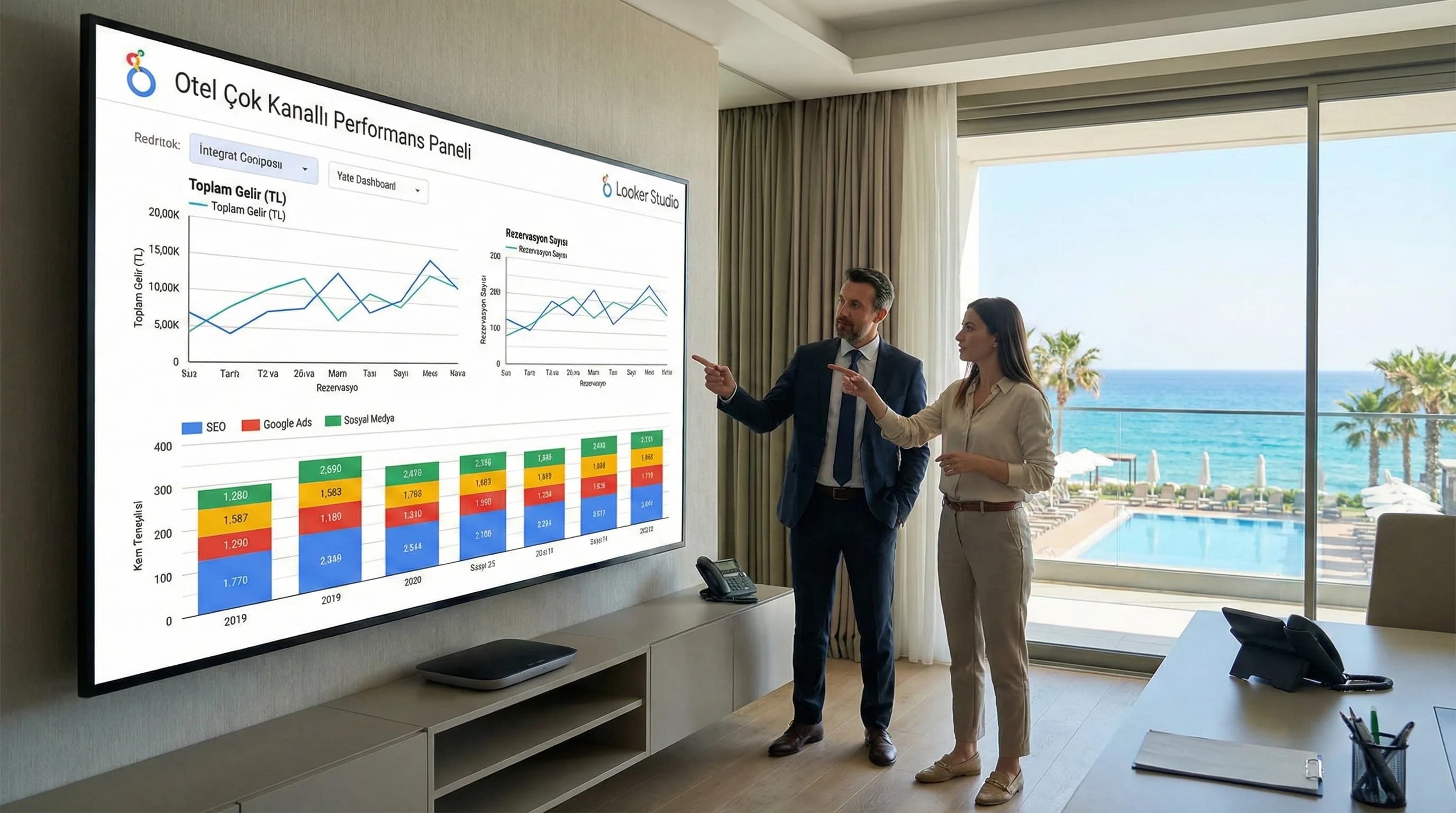
1. How do you combine SEO, SEM and SMM data in one panel?
Short answer : In Looker Studio, you first make GA4 the “common backbone” for a single panel; You connect SEO (Search Console), SEM (Google Ads), SMM (Meta Ads / social metrics) data, then compare channels on the same scale with a “common KPI dashboard”. In the last step, you show the traffic→conversion→revenue flow on a single screen and make the channel contribution visible.
Summary How-To in 4–5 steps
- •Define the goal: “Which channel brings bookings?”
- •Set up common backbone: GA4 (conversion/reservation events)
- •Link channel sources: Search Console + Google Ads + Meta Ads / social metrics
- •Design common KPI dashboard: same date range + same segments (country/language/device)
- •Comment channel contribution: funnel + ROAS/CPA + organic contribution + engagement support role
Mini Check
- • Are booking/lead conversions clear in GA4?
- • Is there a campaign naming/UTM standard?
- • Do “traffic” and “revenue” look at the same period in the same report?
What should I do?
- • Enlarge panel without fixing GA4 transformations
- • First, a single page “Executive (GM) Panel” appears
- • Then add channel detail pages (SEO/Ads/Social)
2. Common KPI logic: Reading the role of each channel at a single scale
The key to a multi-channel dashboard is not to overwhelm every channel with the same KPI; is to establish a balance of common KPIs + channel specific KPIs. SEO mostly produces organic traffic and demand signals; Ads generally provide paid bookings and fast volume; Social, on the other hand, feeds demand through reach/interaction and expands the remarketing pool. In the case of hotels, these three affect each other in booking conversion.
Key Statistics / Data Point (smoothed): Well-constructed panels show that in most properties, ad spend produces high ROAS only on certain campaigns; It becomes more visible that organic traffic is especially strong in brand searches.
Mini Check
- • Is there a single definition of “success”? (reservation/daily income)
- • Are the channels read with the same "attribution" logic?
- • Are brand search trends followed?
What should I do?
- • Limit common KPIs to 8–12
- • Keep channel specific KPIs in separate block
- • Add “Channel role” notes as text box to dashboard
3. Connecting data sources to Looker Studio (handy setup)
The aim of this section is not to "finish it all in one day"; is to release the first version (MVP) of a single panel and then develop it. While there is seasonal pressure in resort hotels such as Antalya/Belek/Side, the "working panel" produces value very quickly.
GA4 (backbone) — transformations and segments
GA4 should be where all channels connect to the same “bottom line” point: microtransactions like booking, lead, phone/WhatsApp. In GA4, a multi-channel report would be misleading without the conversion logic being clear.
SEO KPIs (Search Console + GA4)
- •Organic clicks, impressions, queries
- •Landing page performance (hotel pages / campaigns)
- •Brand vs non-brand demand signal
SEM KPIs (Google Ads)
- •Spend, click, conversion, ROAS/CPA
- •Campaign-based contribution (especially remarketing vs acquisition)
SMM KPIs (Meta Ads + social metrics)
- •Reach, engagement, link clicks
- •Video views / content interaction (demand feeding)
- •Remarketing pool growth (indirect contribution)
Mini Check
- • Are all sources in the same time period? (timezone)
- • Are the campaign names consistent?
- • Are KPIs compared in the same segment? (TR/DE/RU, mobile etc.)
What should I do?
- • Link GA4 + GSC + Google Ads first
- • Then add Meta Ads/social metrics
- • Put a “description note” box for each source (reduces misreading)
4. Designing a common KPI panel (Executive Panel + Channel Pages)
The biggest mistake when talking about “one panel” is to cram everything into one page. Correct approach: • 1 page Executive Panel (for GM) • 3 pages of SEO / SEM / SMM details • 1 page Channel based comparison + funnel
Executive Panel (GM) – decision at a glance
Top row: Bookings, revenue, ROAS/CPA (summary) Middle row: Traffic→conversion flow Bottom row: Channel contribution comparison (organic/paid/social)
Mini Check
- • Are there any metrics in the GM panel that do not produce “action”? interest
- • Are there 1–2 clear “stories” in the panel? (demand→sales)
- • Can the channel contribution be seen in a single chart?
What should I do?
- • Keep GM panel simple (max 12 KPIs)
- • Move detail to SEO/Ads/Social pages
- • Start with just the GM panel in the weekly meeting
5. Channel-based performance comparison (funnel + contribution reading)
The goal of multi-channel comparison is not to debate “which channel is better”; To answer the question of which channel is powerful at which stage: • SEO: demand + organic visibility + brand search signal • Ads: fast volume + targeted conversion • Social: upper funnel demand feed + remarketing fuel
Mini Check
- • At what stage is the break in Funnel? (traffic, conversion, revenue)
- • Does high spending on Ads produce ROAS in every campaign?
- • Is organic traffic increasing “off-brand”?
What should I do?
- • Classify high spend campaigns by ROAS
- • Clarify the distinction between brand and non-brand on the organic side
- • Make interaction → click → remarketing effect visible in the panel in Social
6. 3 dashboard ideas you can implement immediately
- •“Channel Contribution” Page: Organic + Paid + Social → booking/daily revenue comparison
- •“Campaign Health” Page: Ads campaign based ROAS/CPA + landing performance
- •“Season Comparison” Page: Same week this year vs last year (Antalya/Belek/Side scenario)
7. SEO–SEM–SMM Common KPI Matrix (Hotel)
| Channel | KPI examples | Funnel role | management decision |
|---|---|---|---|
| SEO | Organic clicks, visibility, brand search | demand generation | Content/technical priority |
| SEM | Spend, ROAS, CPA, conversion | fast volume | Budget/campaign optimization |
| SMM | Reach, engagement, clicks | demand feeding | Content format/remarketing |
| Partner | Booking conversion, revenue | Conclusion | Channel contribution comparison |
8. Download Multi-Channel Hotel Performance Dashboard Sample — Data Analysis & Reporting (v1.0)
Download Multi-Channel Hotel Performance Dashboard Sample — Data Analysis & Reporting (v1.0)
This asset offers a ready-made "multi-channel dashboard" framework for hotels to combine SEO-SEM-SMM data in a single panel in Looker Studio. The KPI set standardizes page layout and channel contribution reading; It accelerates the team's decision-making on the same panel.
Kim Kullanır?
GM, sales-marketing, revenue teams and agency reporting managers.
Nasıl Kullanılır?
- Link GA4 + Search Console + Google Ads + Meta Ads sources.
- Organize KPI cards based on your own hotel goals (bookings, revenue, ROAS/CPA).
- At the weekly “channel contribution” meeting, close the panel with an action list.
Ölçüm & Önceliklendirme (Kısa sürüm)
- ▢ ✅ GA4 conversions are correct
- ▢ ✅ There is a distinction between GSC brand vs non-brand
- ▢ ✅ Ads campaign names are standard
- ▢ ✅ Social metrics are interpreted as a “support role”
- ▢ ✅ Channel contribution can be seen on a single page
PDF içinde: Problem→Kök Neden→Çözüm tablosu + 14 gün sprint planı + önce/sonra KPI tablosu
Bir Sonraki Adım
For hotels that want to standardize the multi-channel report and optimize the budget according to channel contribution